Timed Brick Lock
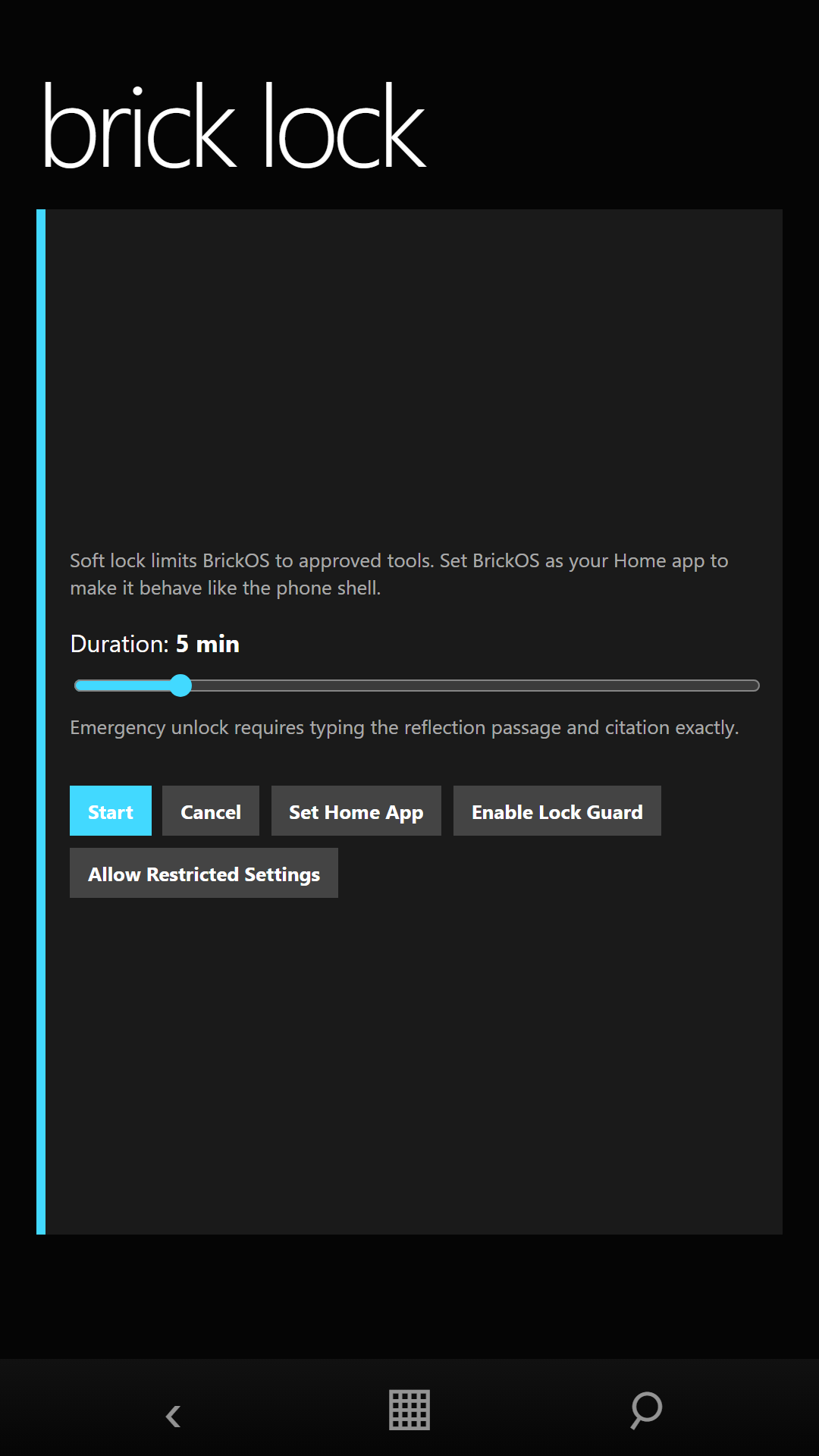
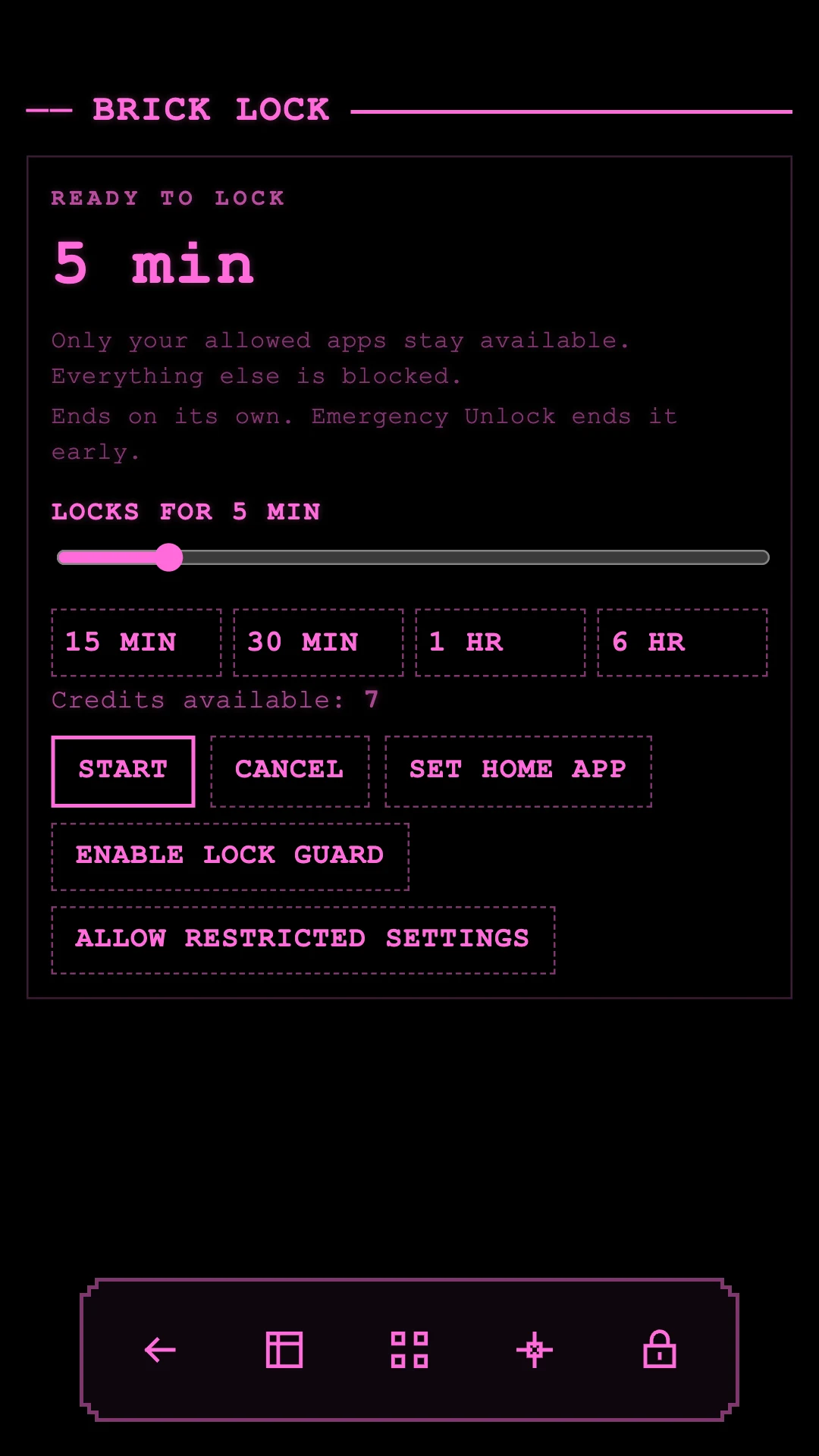
Choose a duration and the apps that should remain available, or set a schedule so it starts on its own, every weekday at 9 PM for an hour, say. Optional Lock Guard returns you to BrickOS when an unapproved app comes to the front.
Android focus launcher
Step away from a distracting smartphone without giving up the tools you actually need. Choose a retro interface, start a timed Brick Lock, and keep the usual noise out of reach.
Plain and deliberate
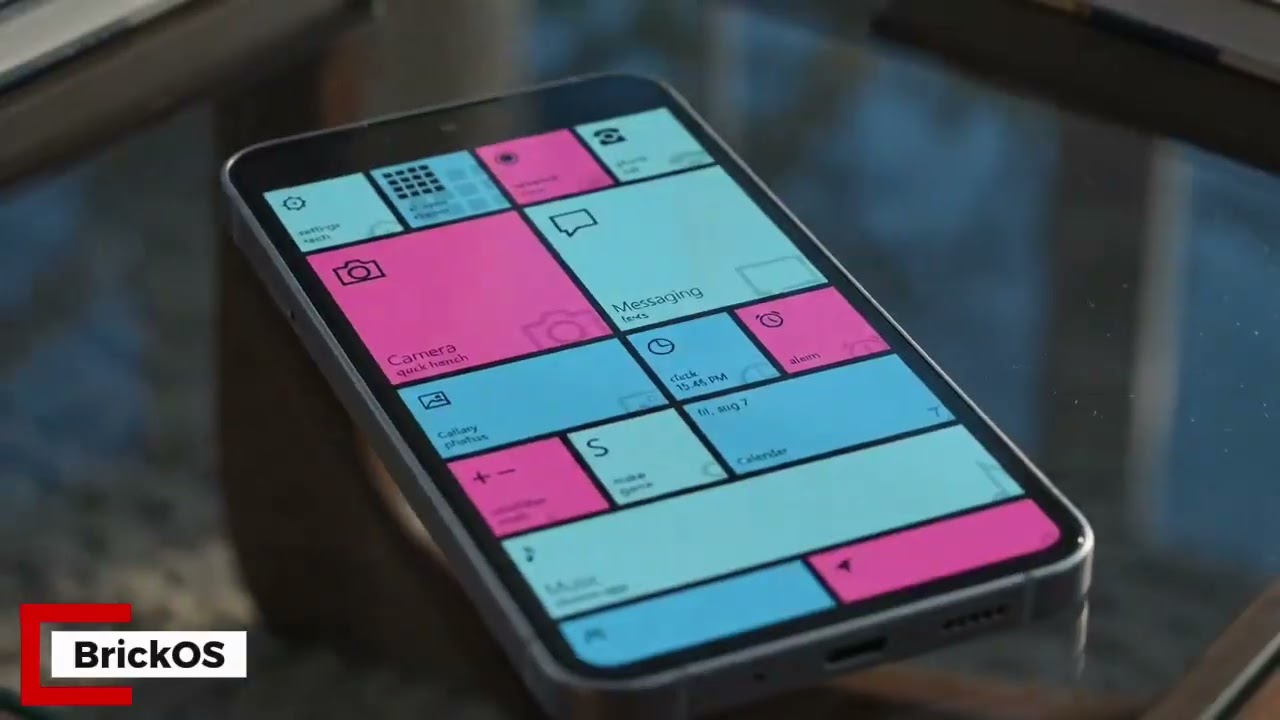
BrickOS is an Android home launcher with a focus mode called Brick Lock. It replaces the noisy home screen with one of four purpose-built interfaces, gives essential functions direct routes, and lets you choose which other apps remain available during a session.
Choose a duration and the apps that should remain available, or set a schedule so it starts on its own, every weekday at 9 PM for an hour, say. Optional Lock Guard returns you to BrickOS when an unapproved app comes to the front.
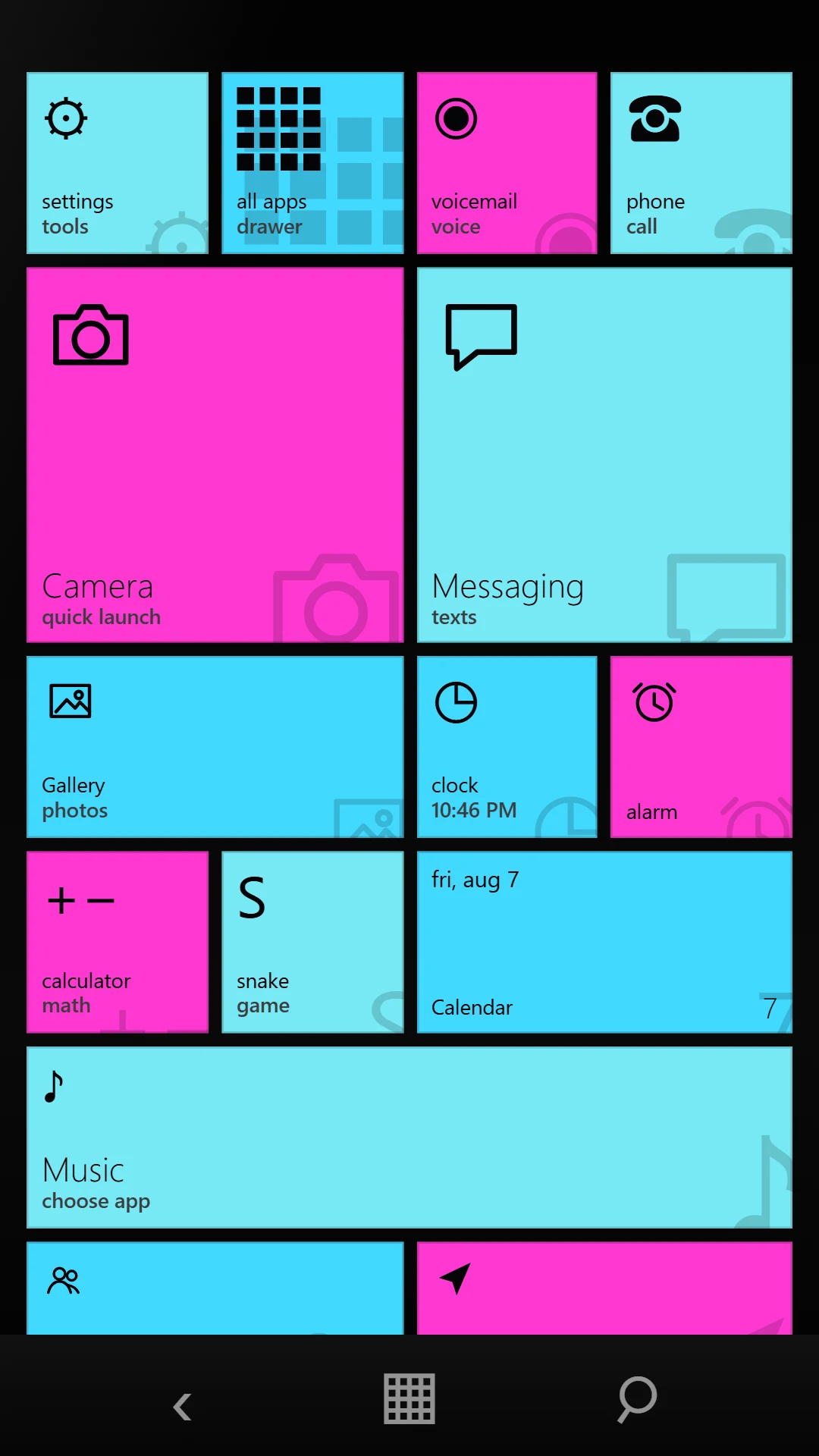
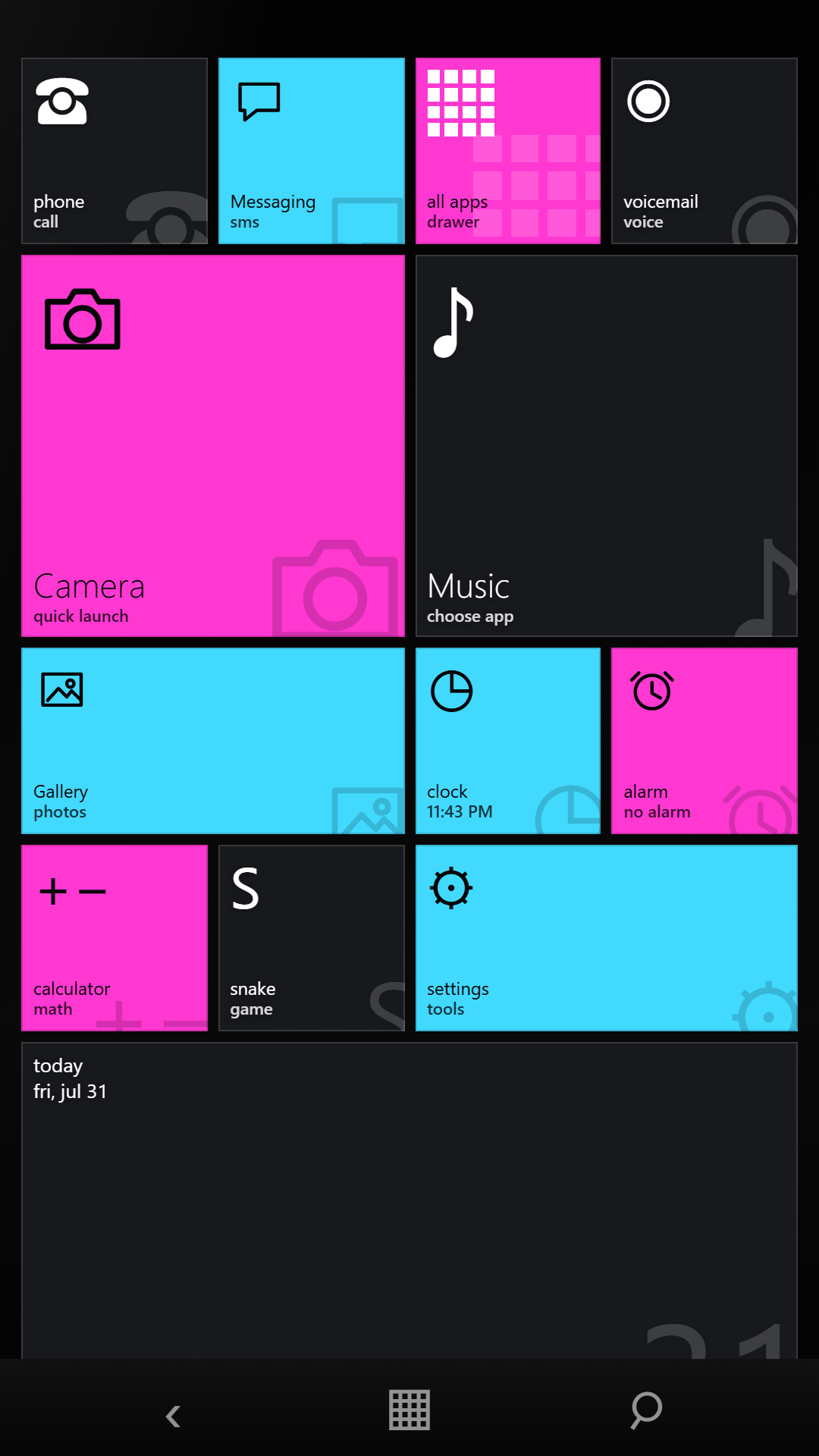
Phone, messages, contacts, camera, gallery, music, maps, calendar, clock, alarms, calculator, and a little Snake remain close. Tiles adds live tiles for music, weather, calendar, photos and unread counts.
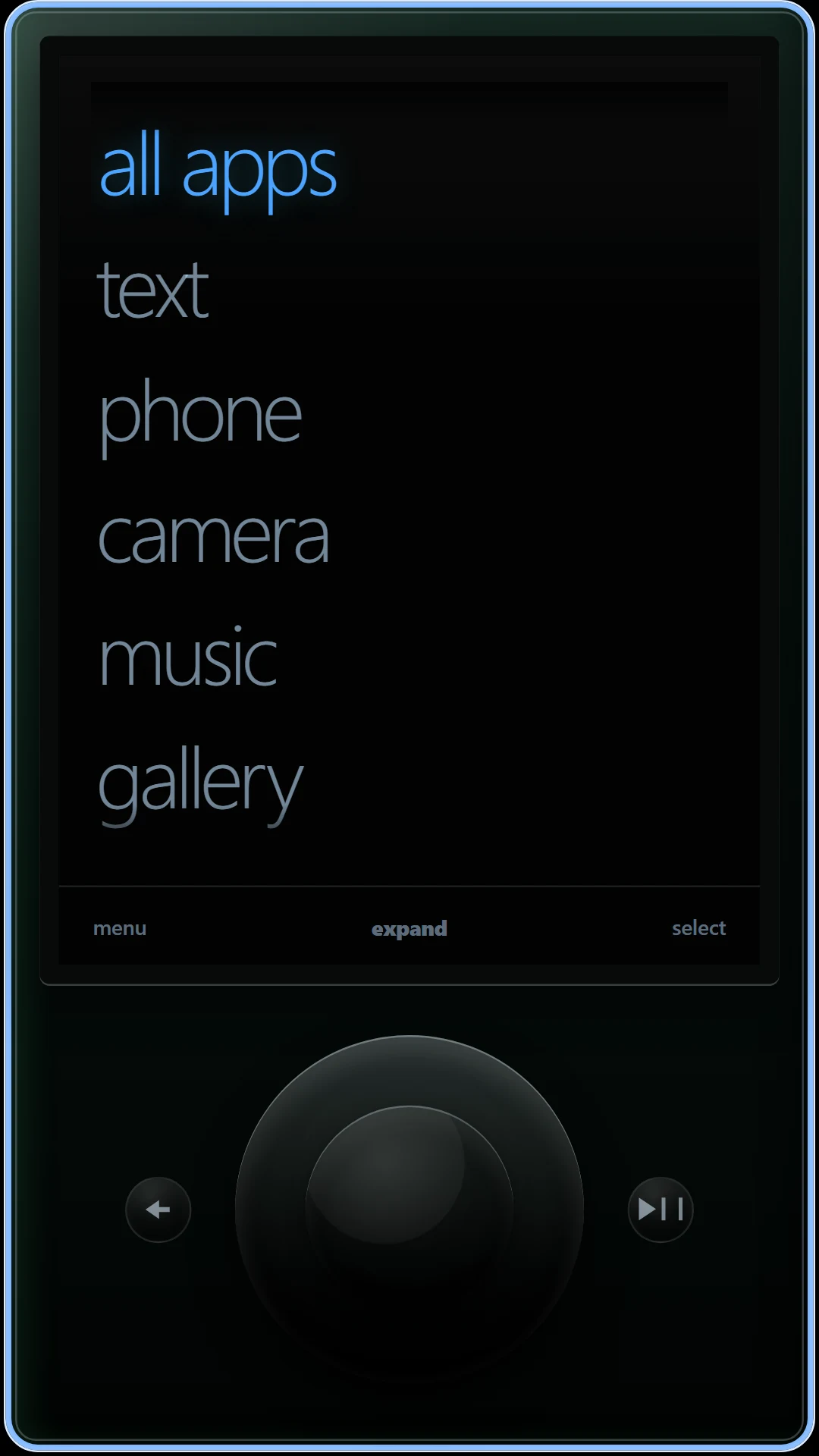
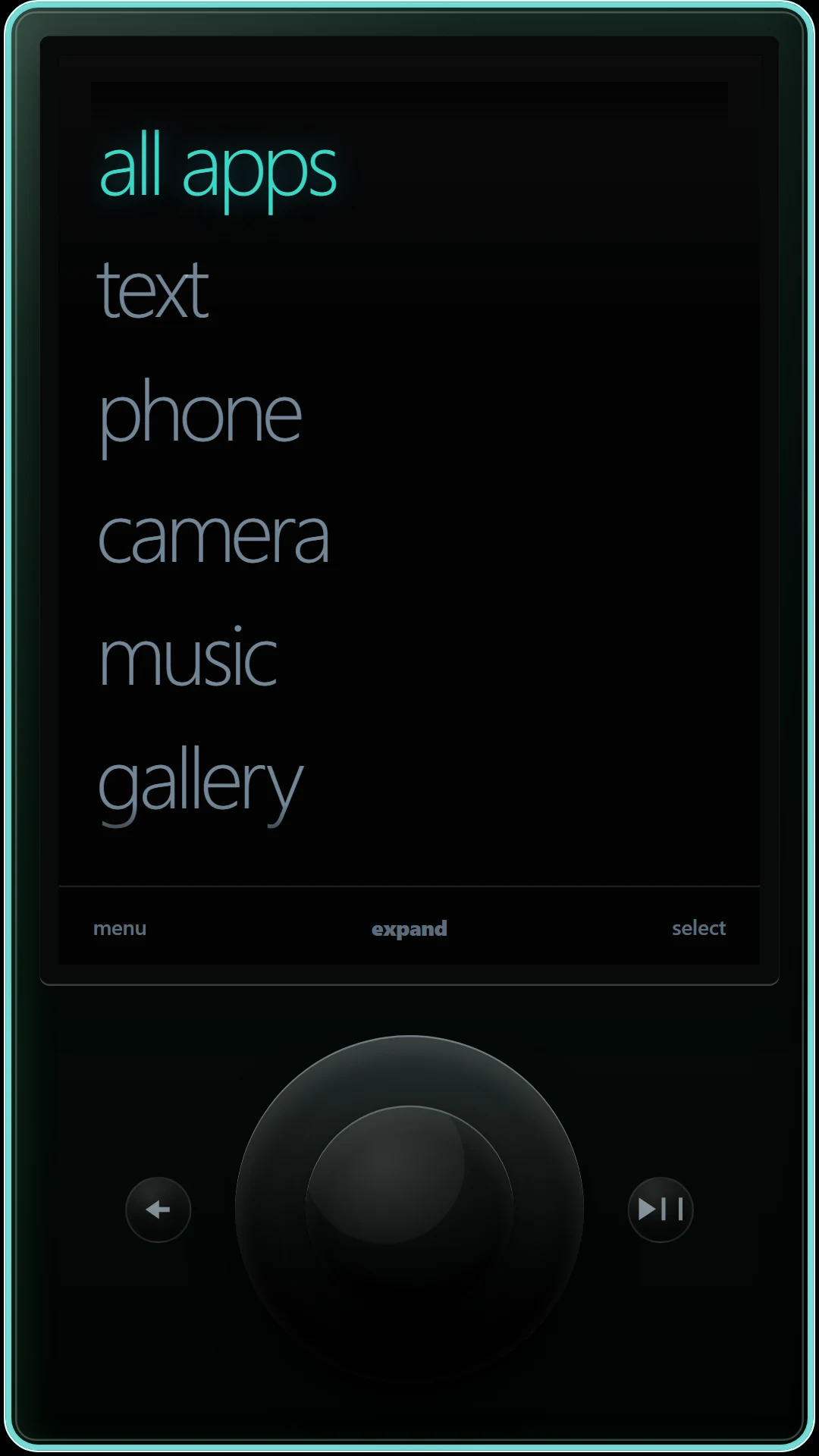
Tiles, Fruit, Tune, and the new Command skin share the same practical launcher tools, with different navigation, shape, typography, and color systems.
An emergency dialer remains available. A lock can also be ended early by completing the on-screen unlock passage. Never by watching an ad or making a payment.
Your settings, lock state, and approved-app list stay in the app's private storage. BrickOS has no account and no studio analytics.
Built for Android phones, with layouts that adapt across modern displays and foldables. Prefer your own home screen? Keep it, and still use Brick Lock to block the apps that distract you most.
How it works
BrickOS does not demand a lifestyle conversion. Use it for the stretch of time when your phone needs to stop behaving like a slot machine.
Pick Tiles, Fruit, Tune, or Command and tune the colors.
Choose the duration and approve any extra apps you genuinely need.
Essential tools stay close until the timer ends, or until you deliberately complete the early-unlock passage.
Trailer
The current BrickOS trailer, the same cut running on the Google Play listing. Twelve seconds. The captioned walkthrough of the real interface follows below.
Product tour
A captioned walkthrough of the real interface, plus 1080 × 1920 captures from the Android build: launcher, Brick Lock, settings, and the original three interface families. The Command skin has its own section below.
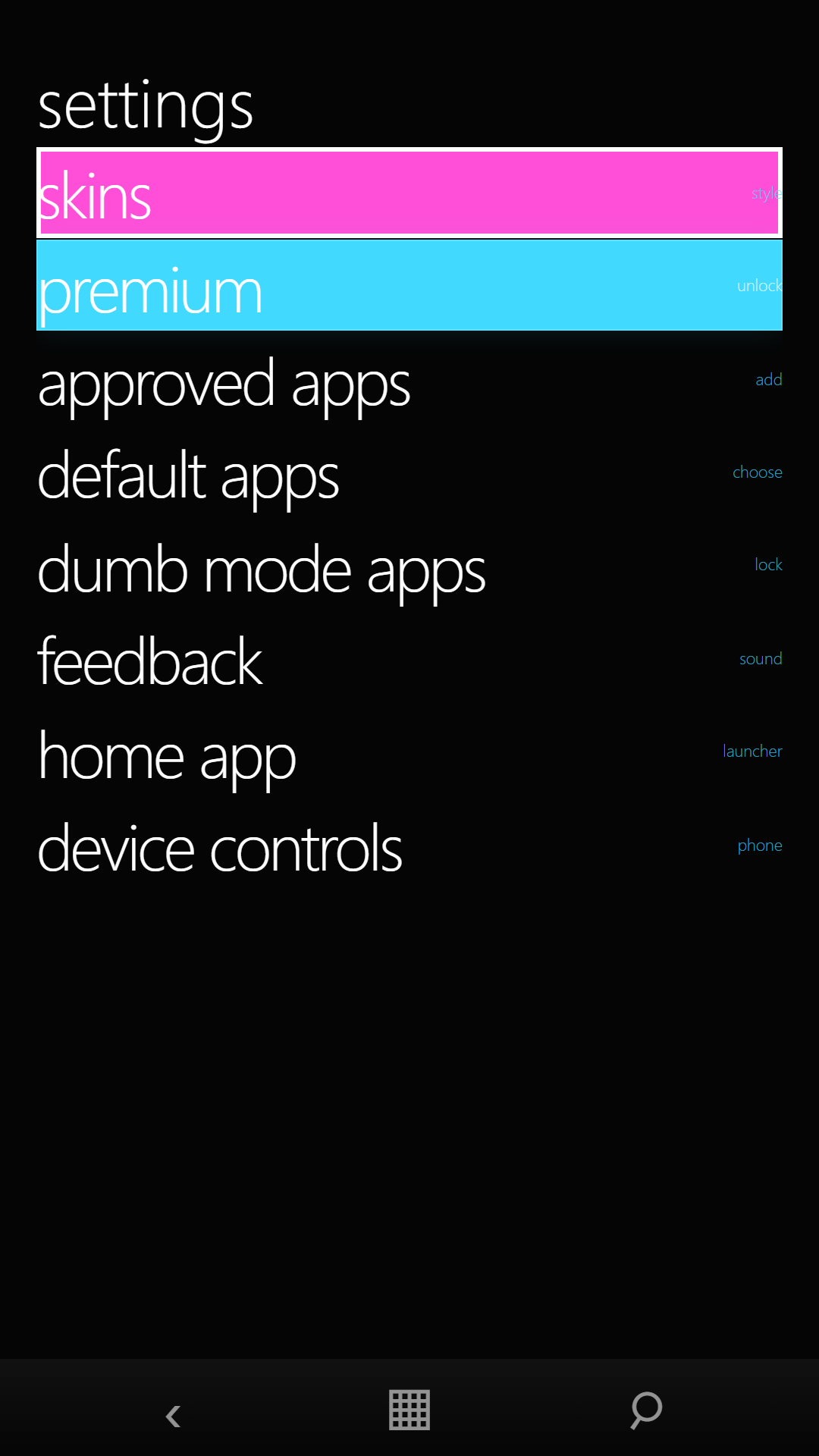
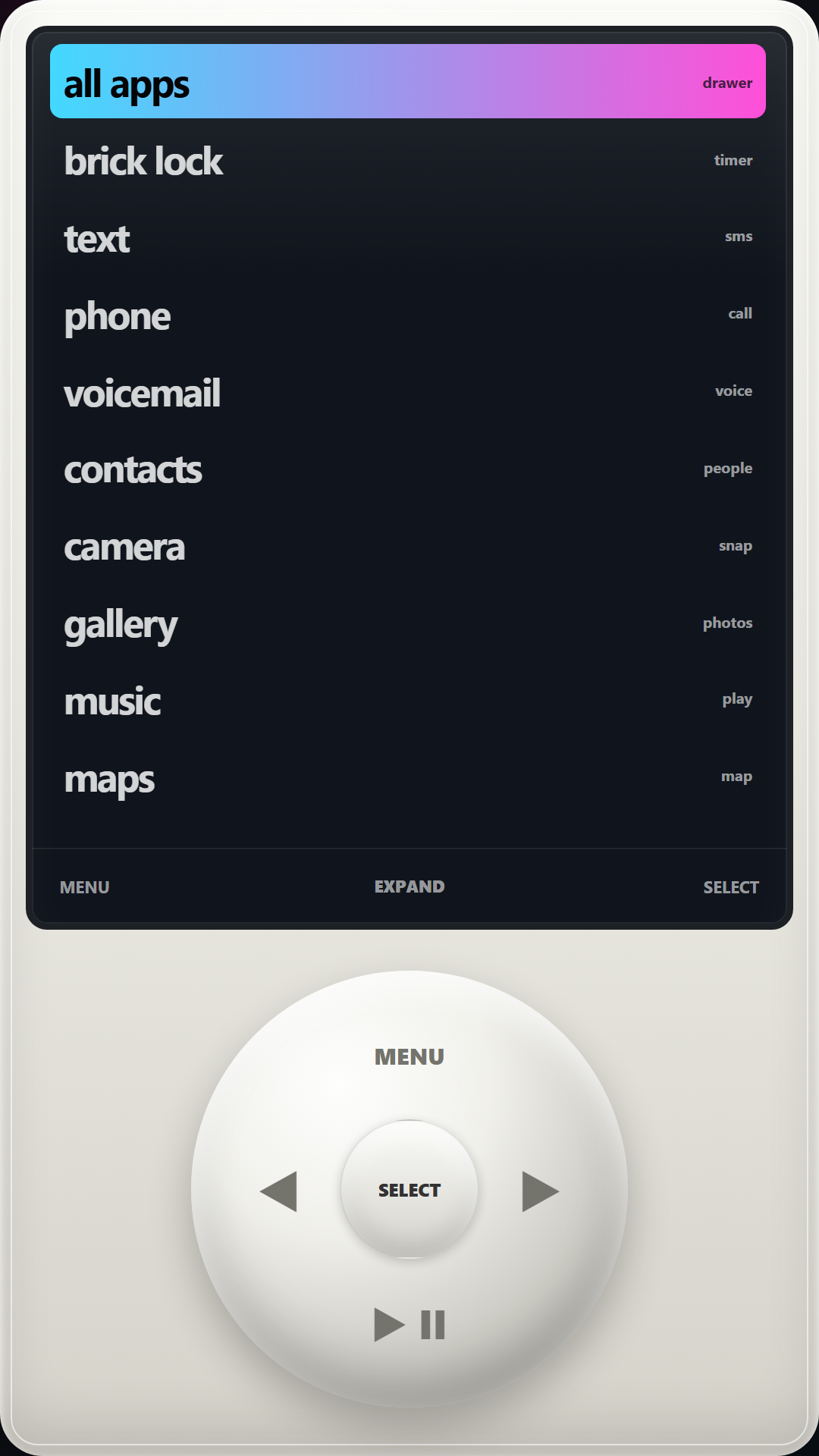
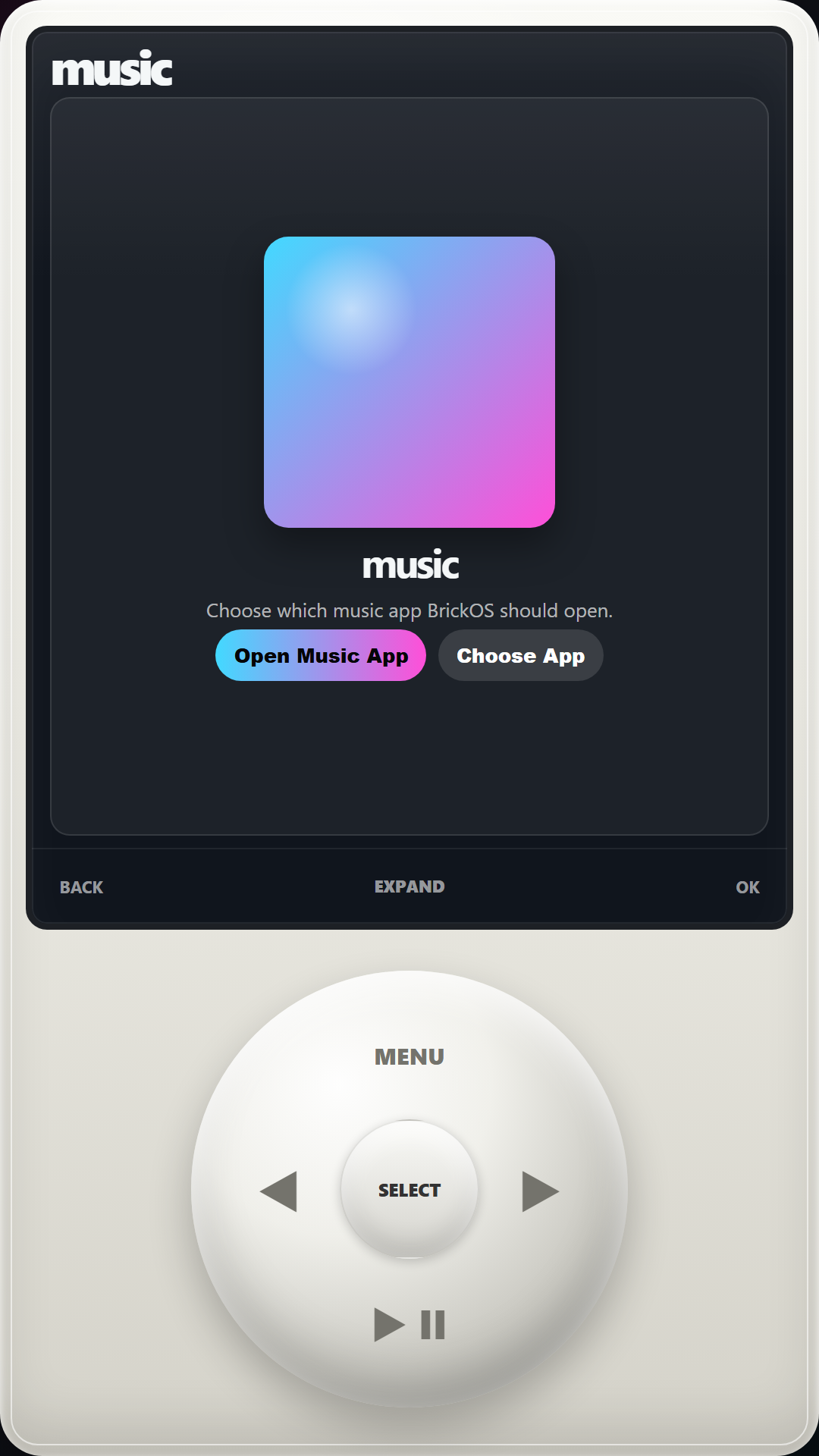
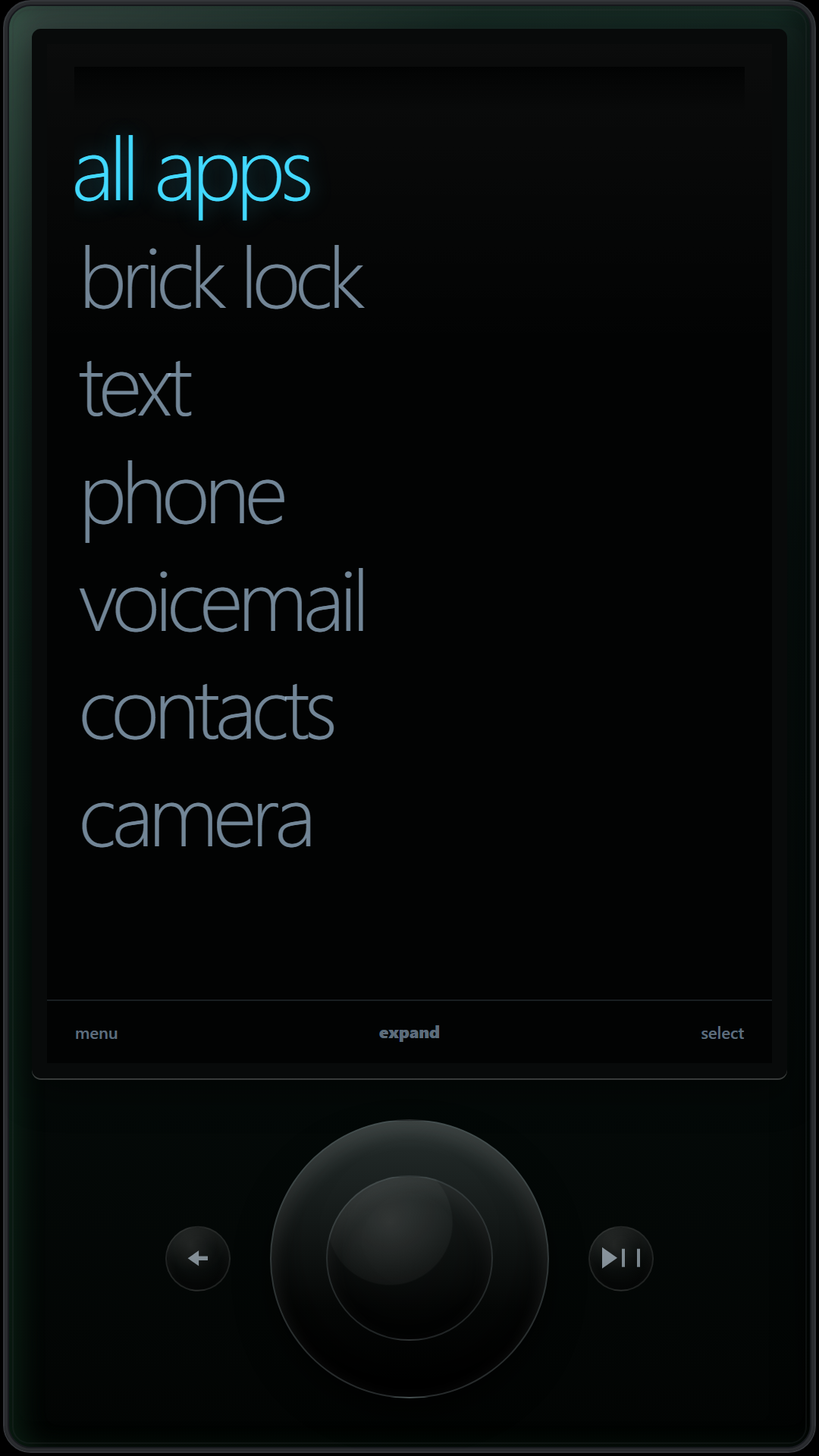
Visual skins
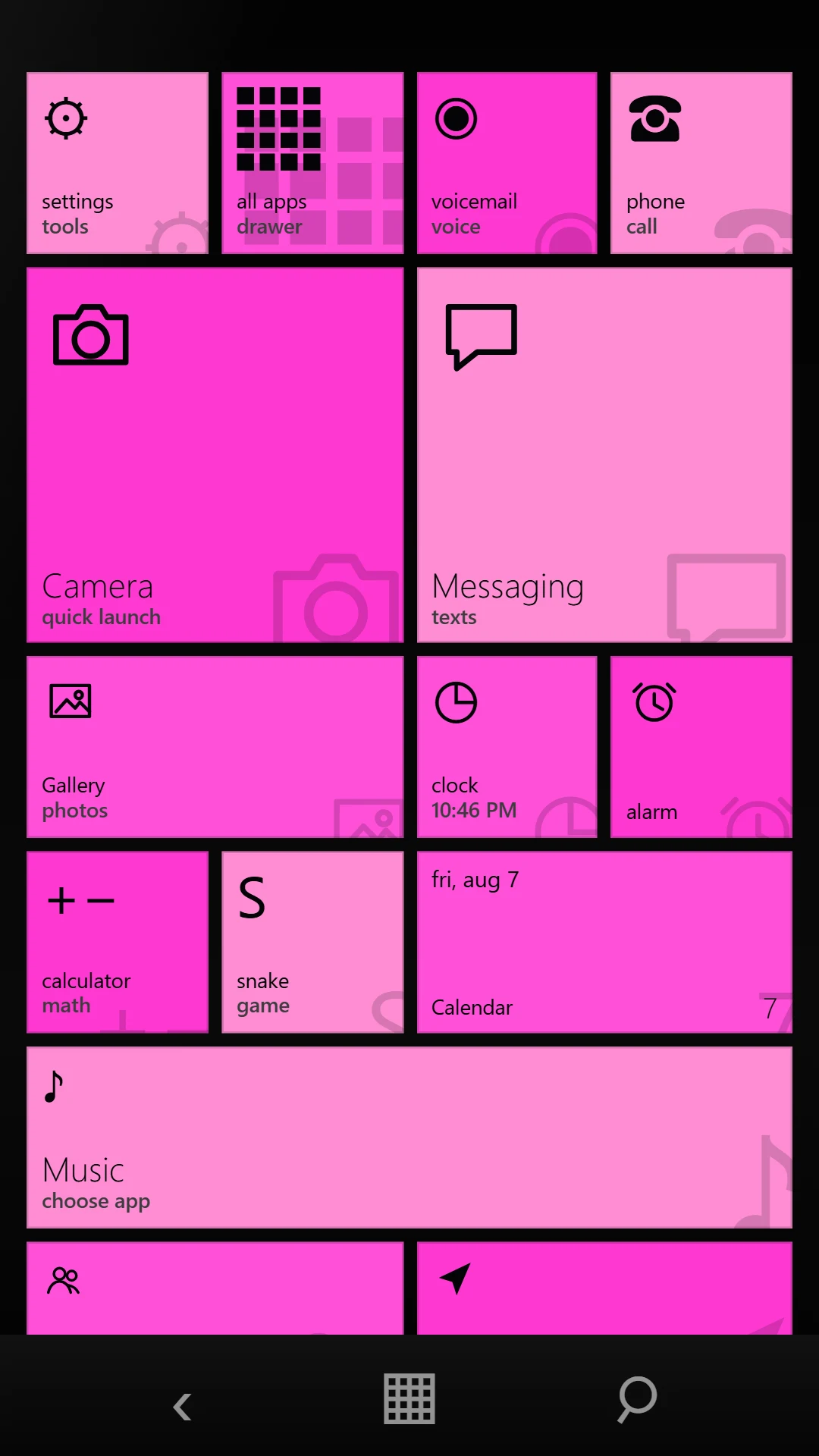
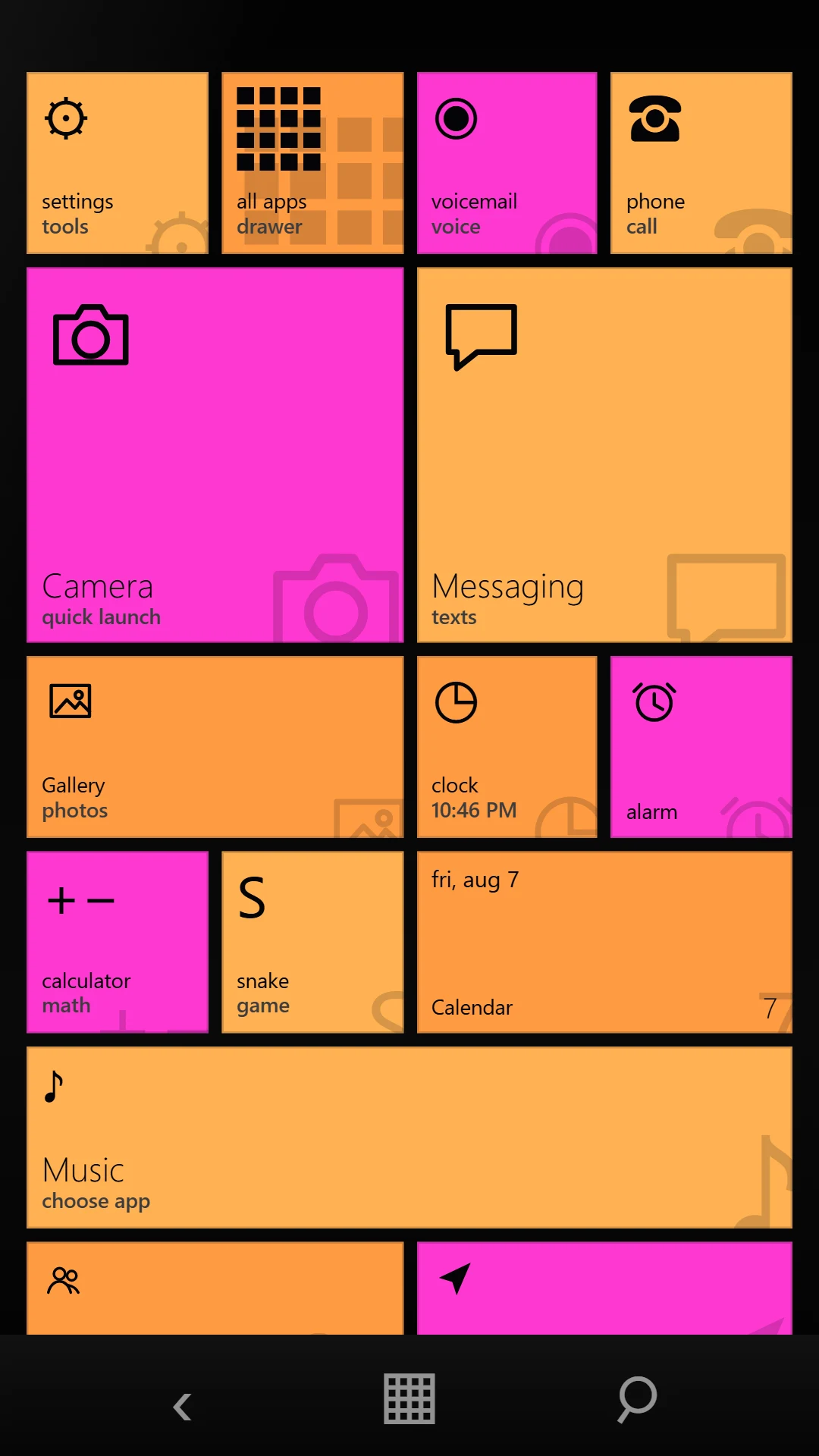
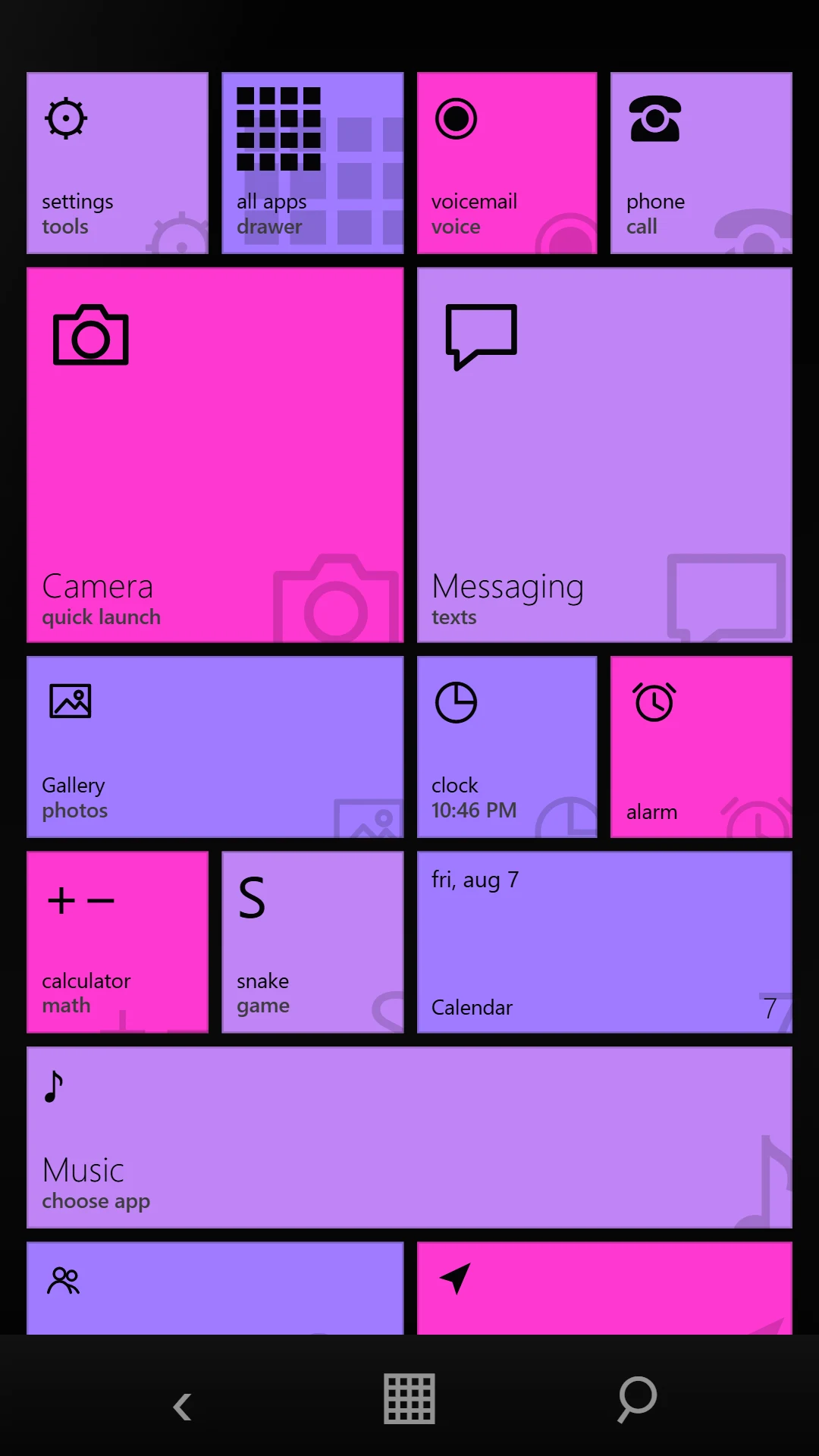
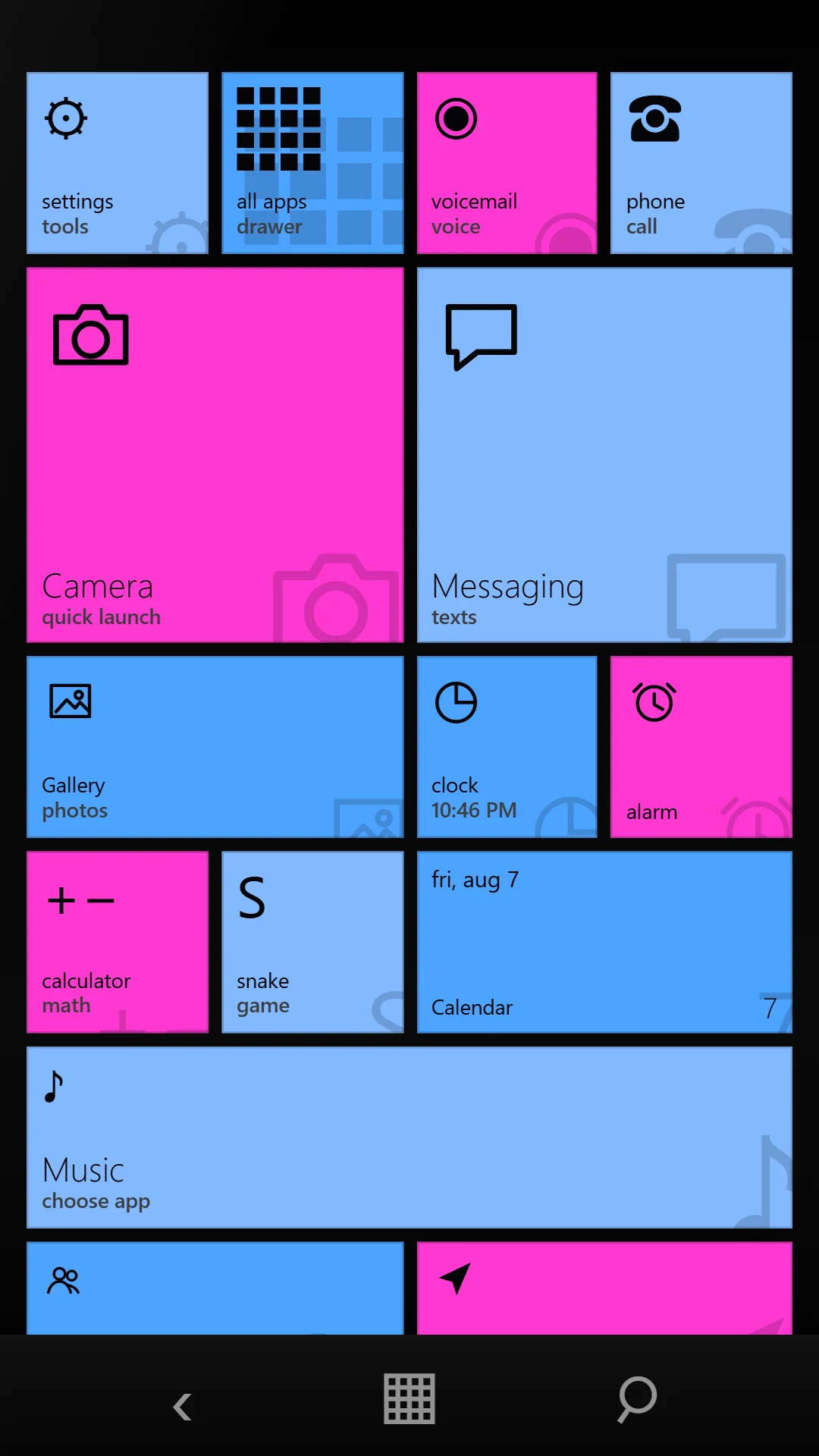
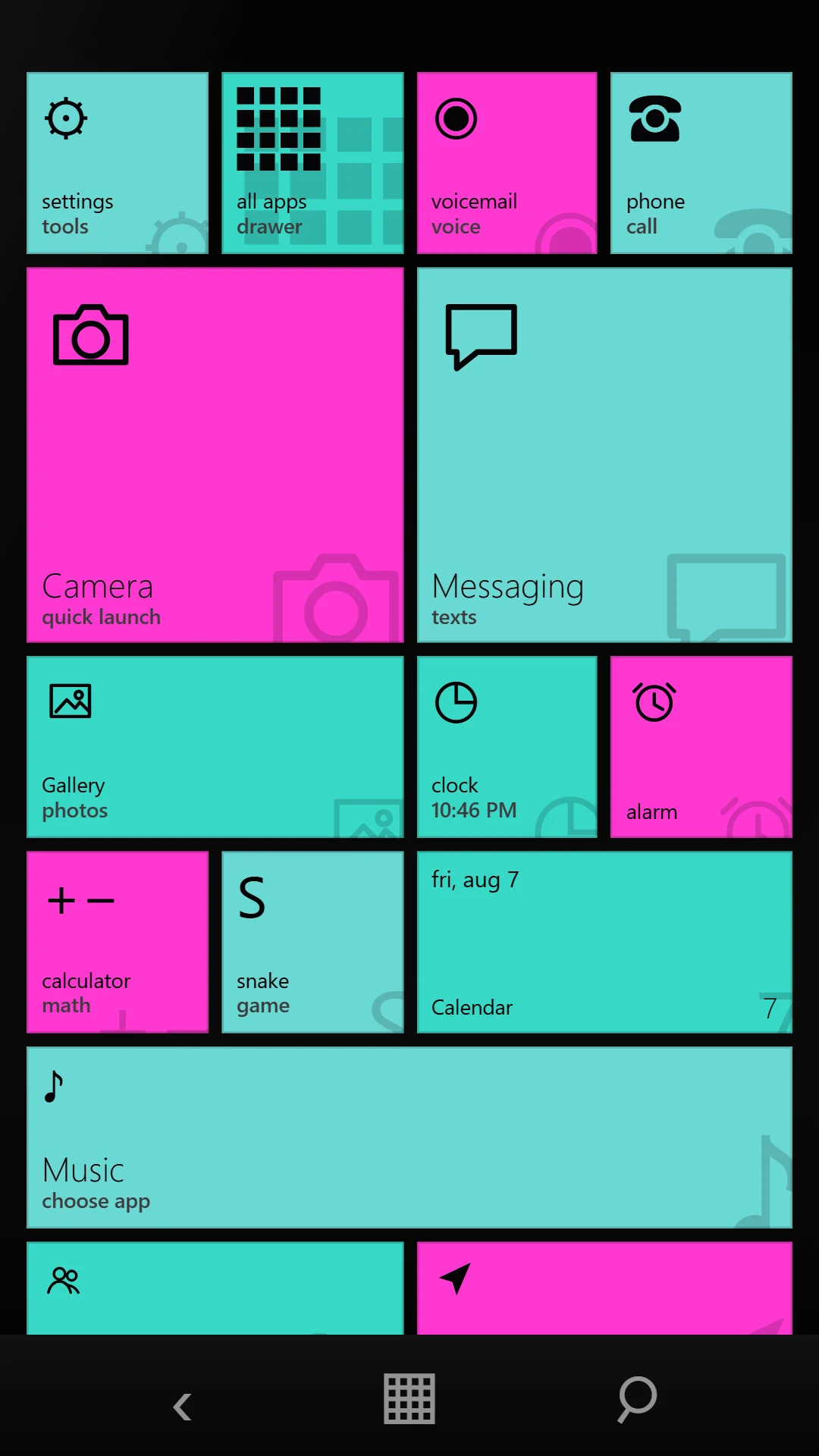
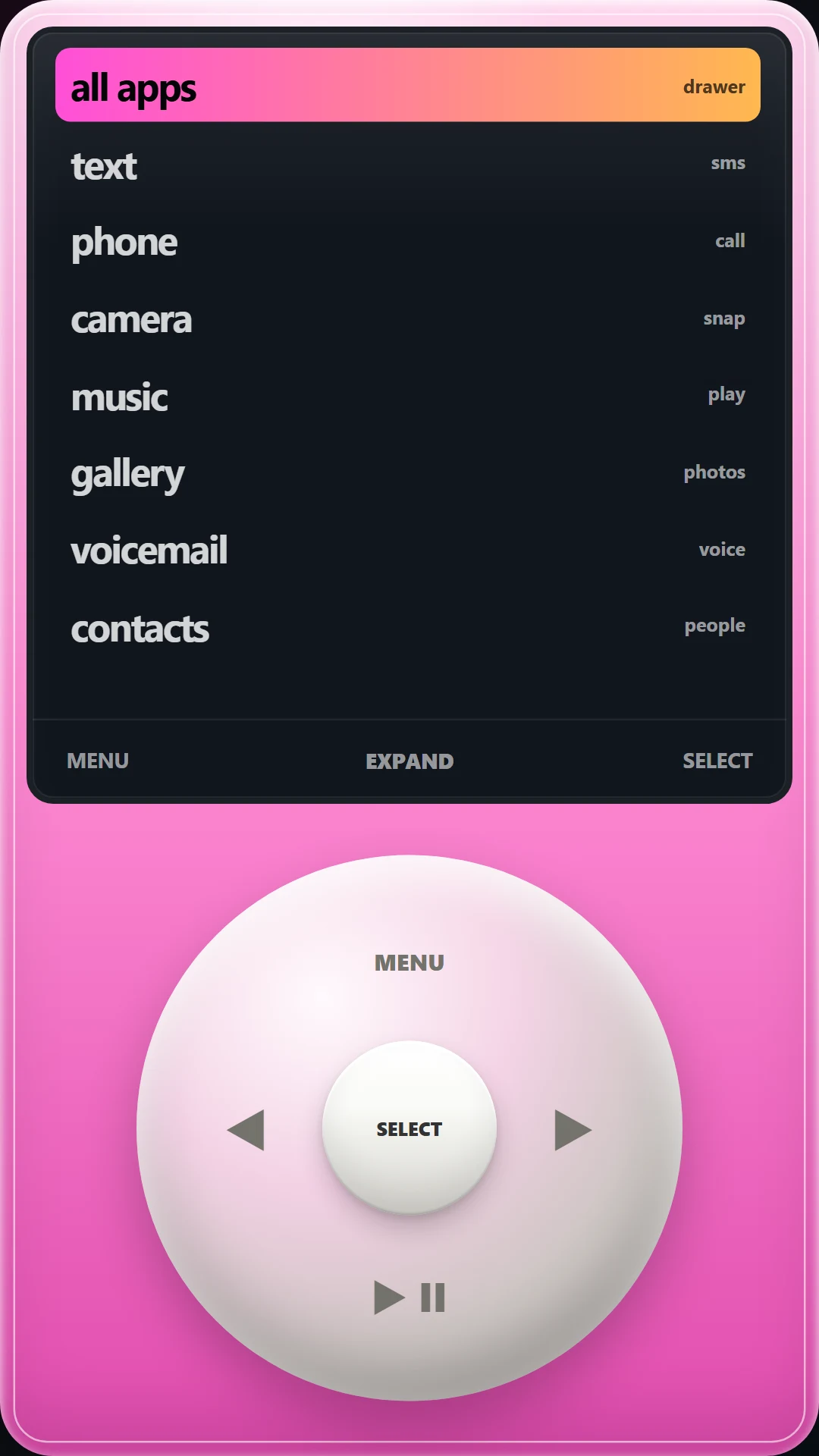
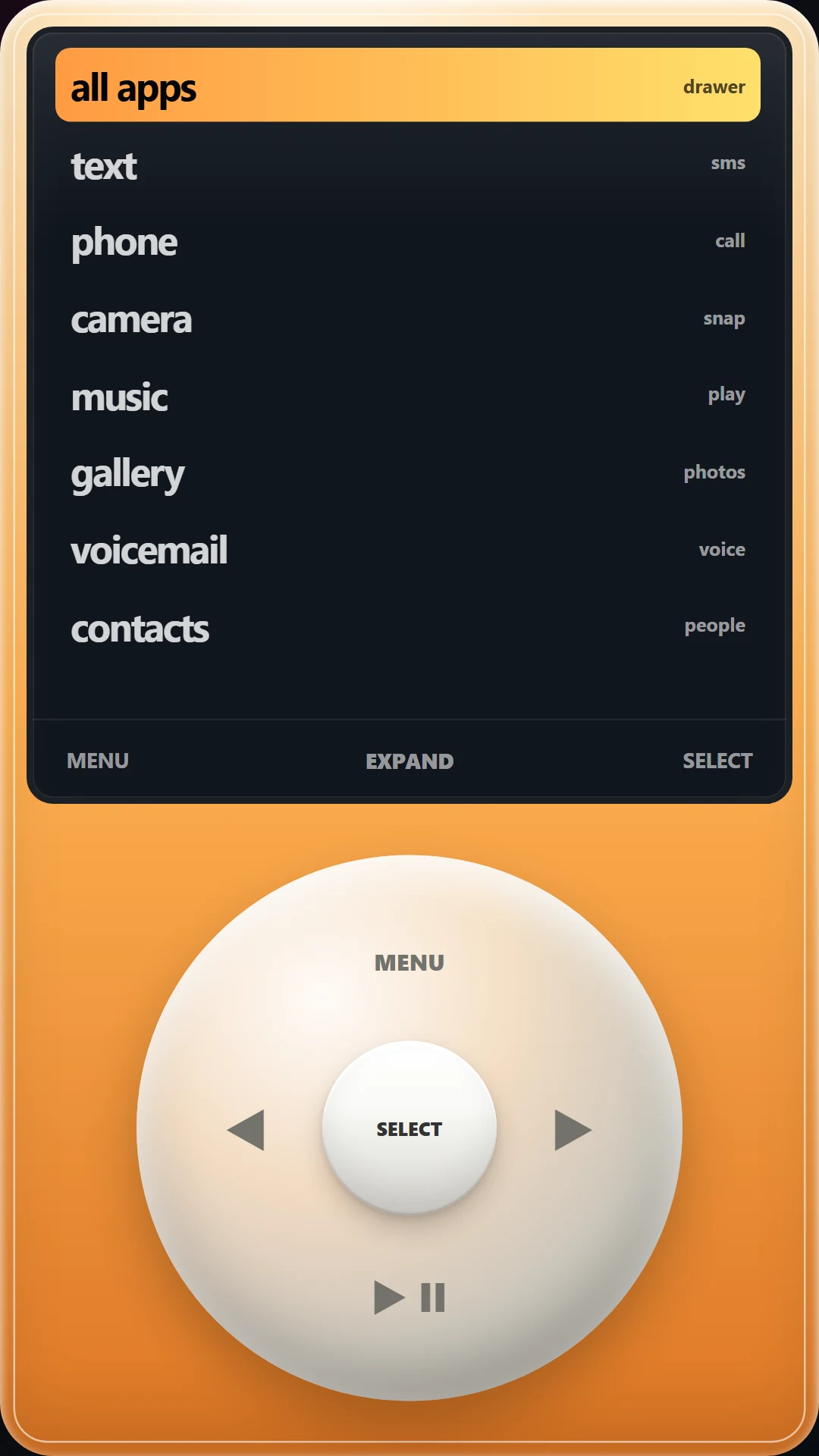
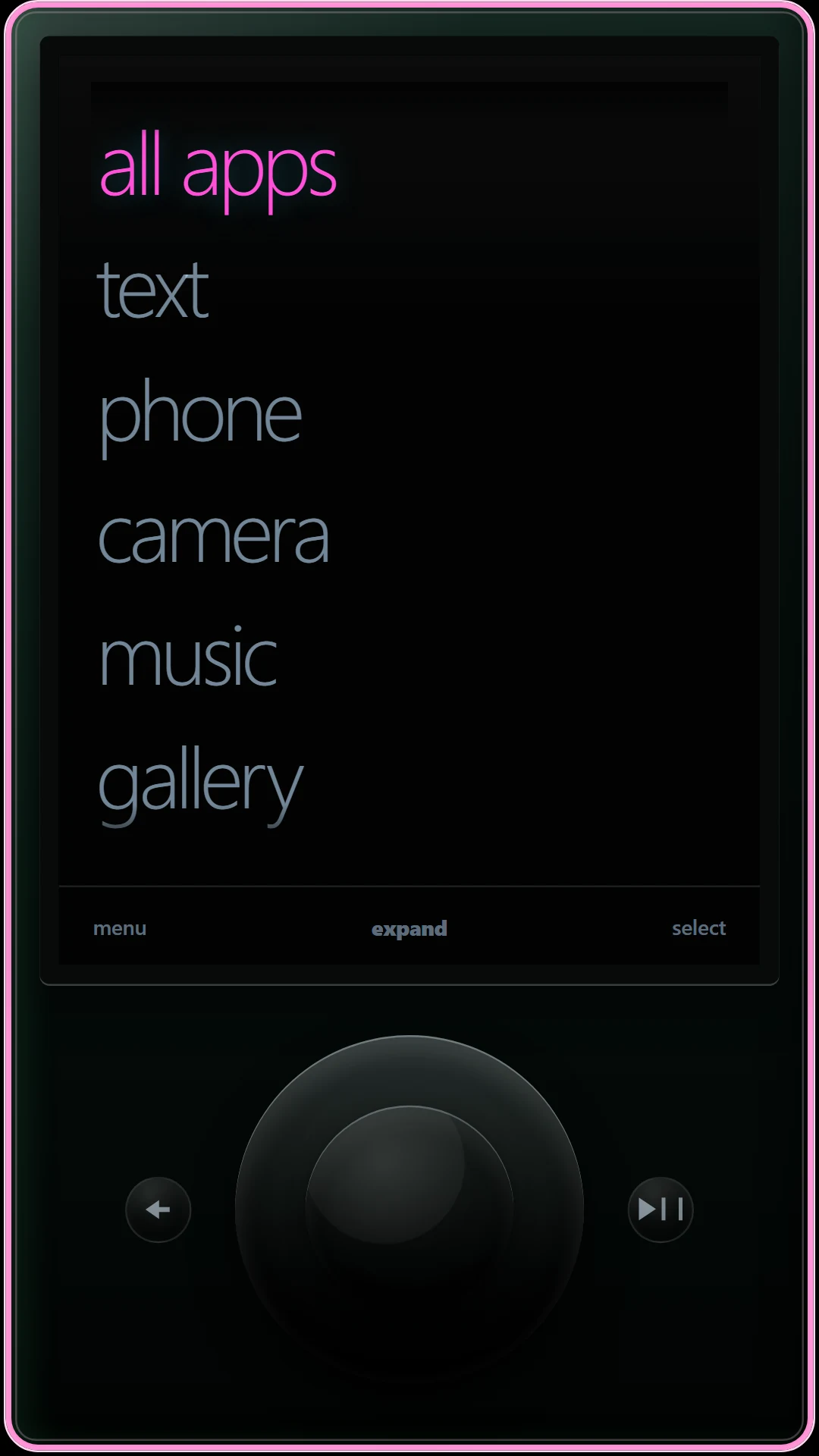
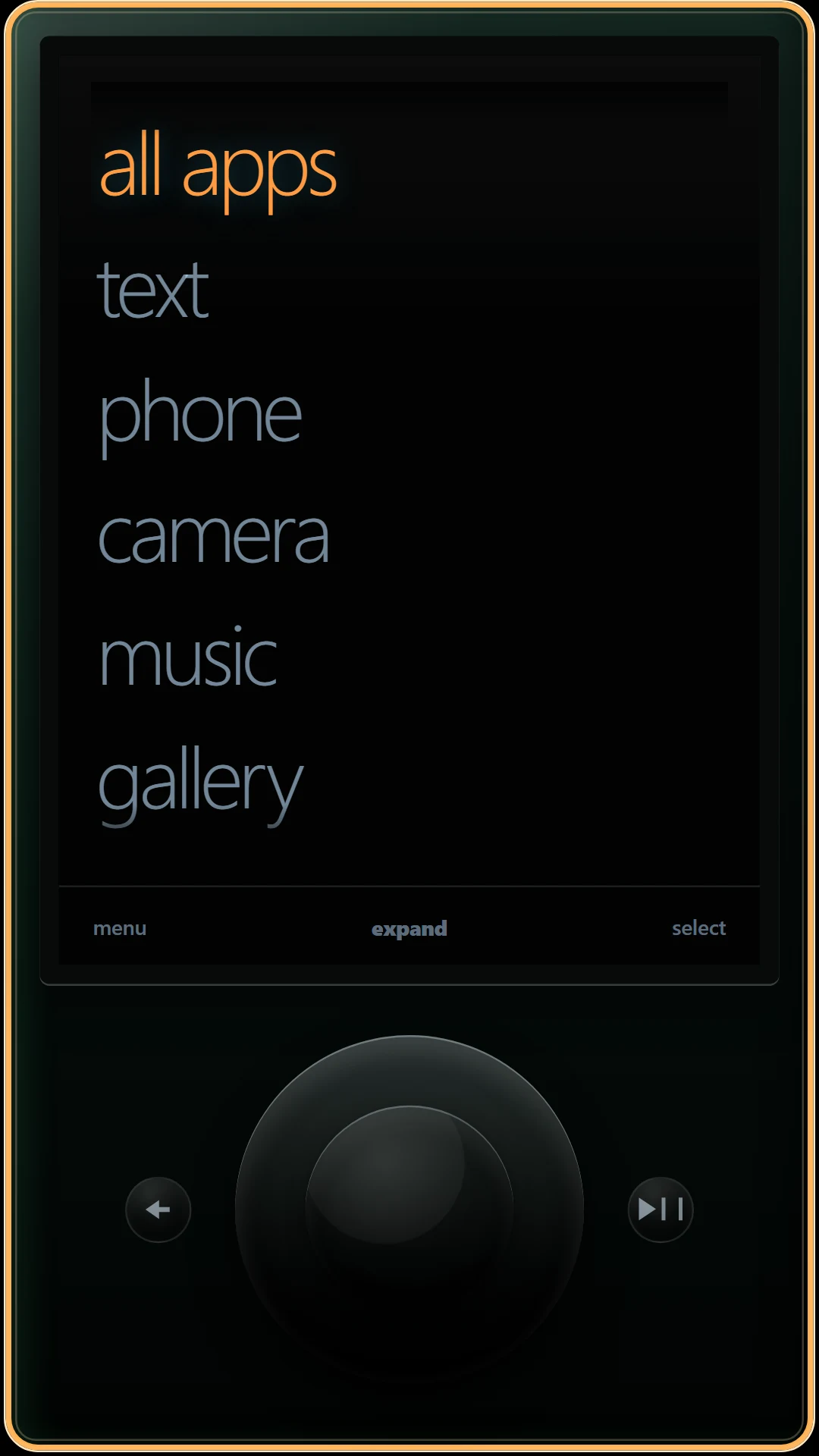
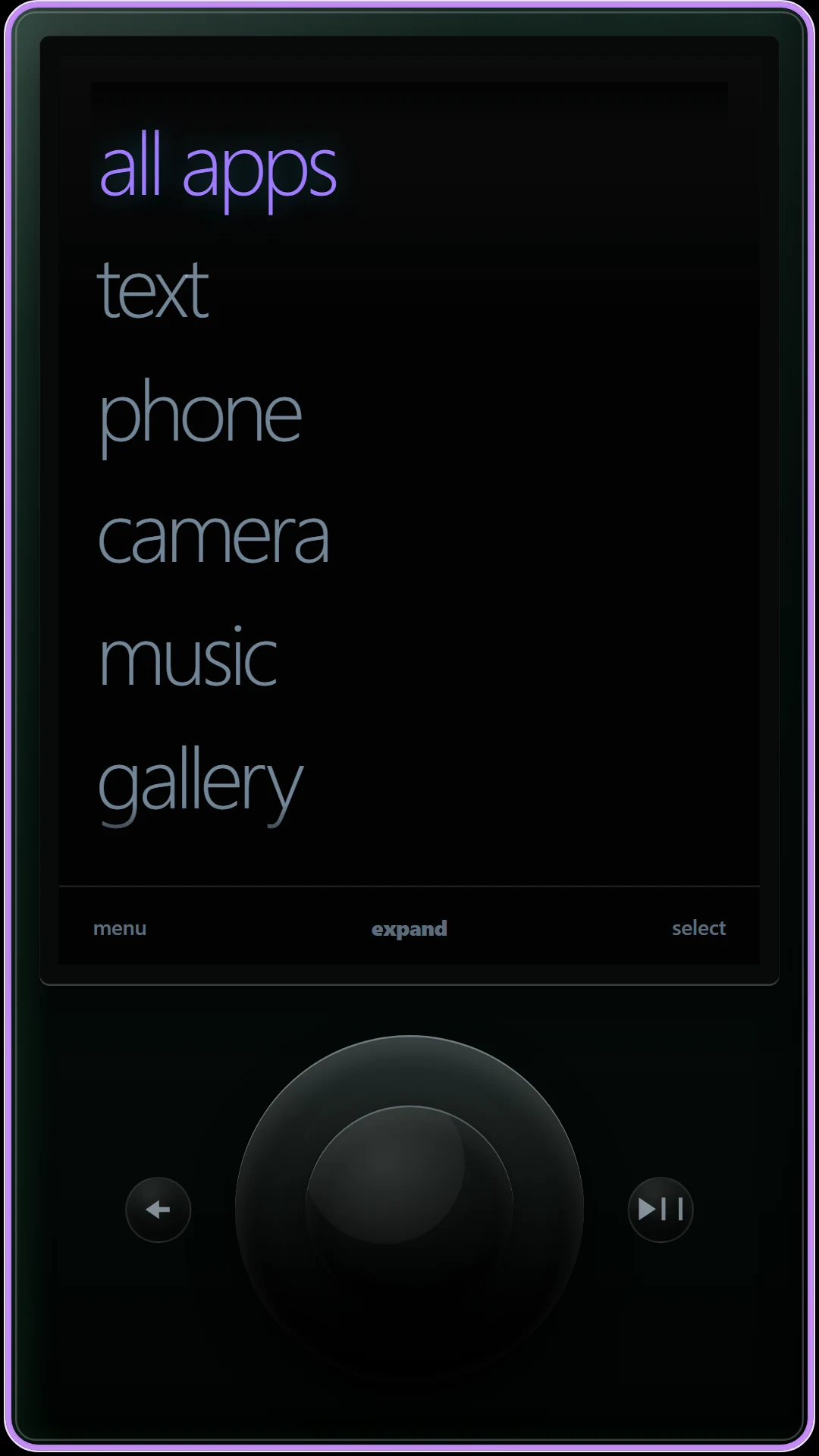
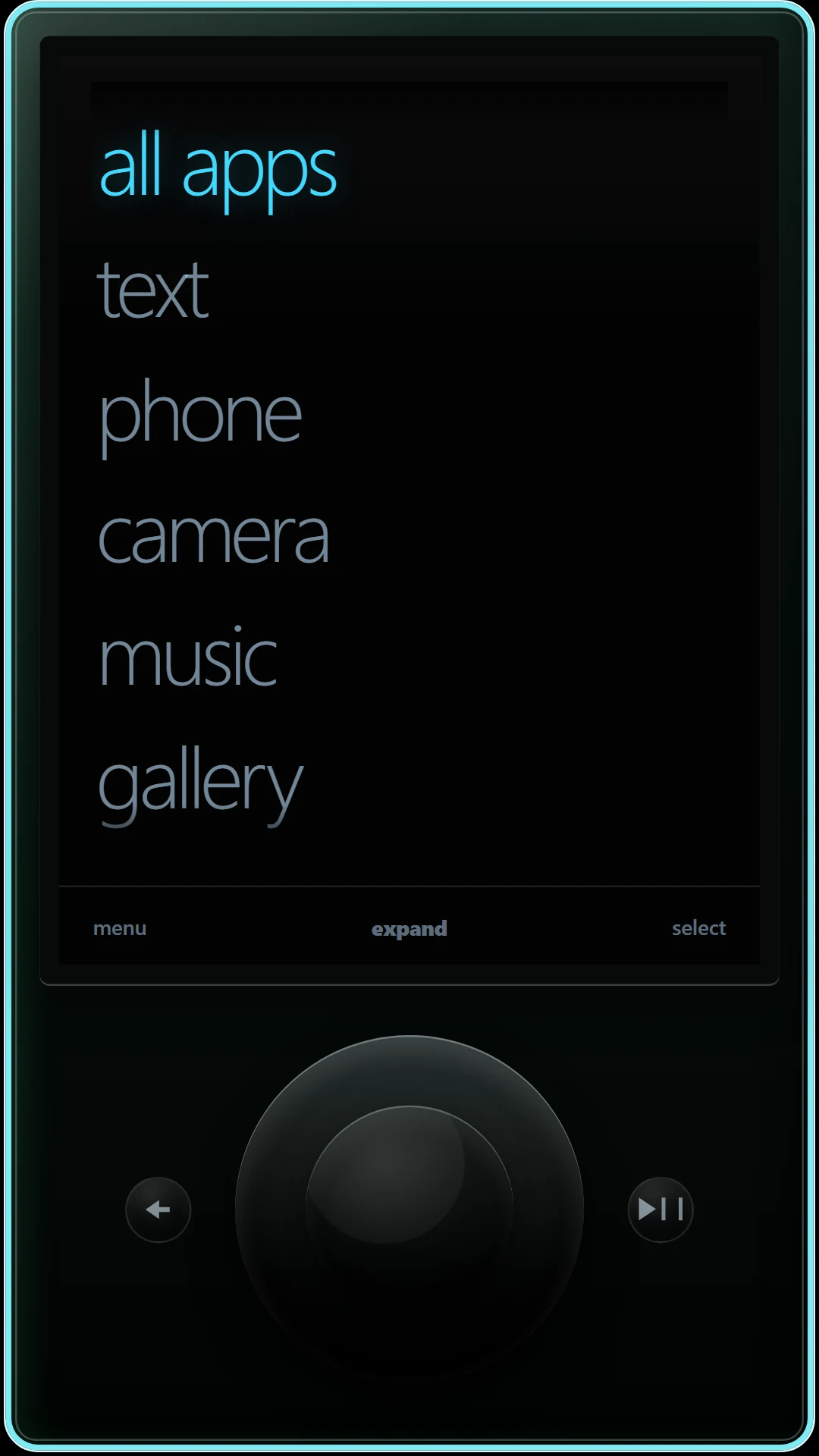
Four skins, one launcher. Tiles, Fruit, and Tune are shown in three fun palettes (Pink, Orange, and Grape) and three cool palettes (Cyan, Blue, and Teal). Command runs in five phosphor colors. Every image is a real 9:16 render of the app UI.
New skin · Command · available now
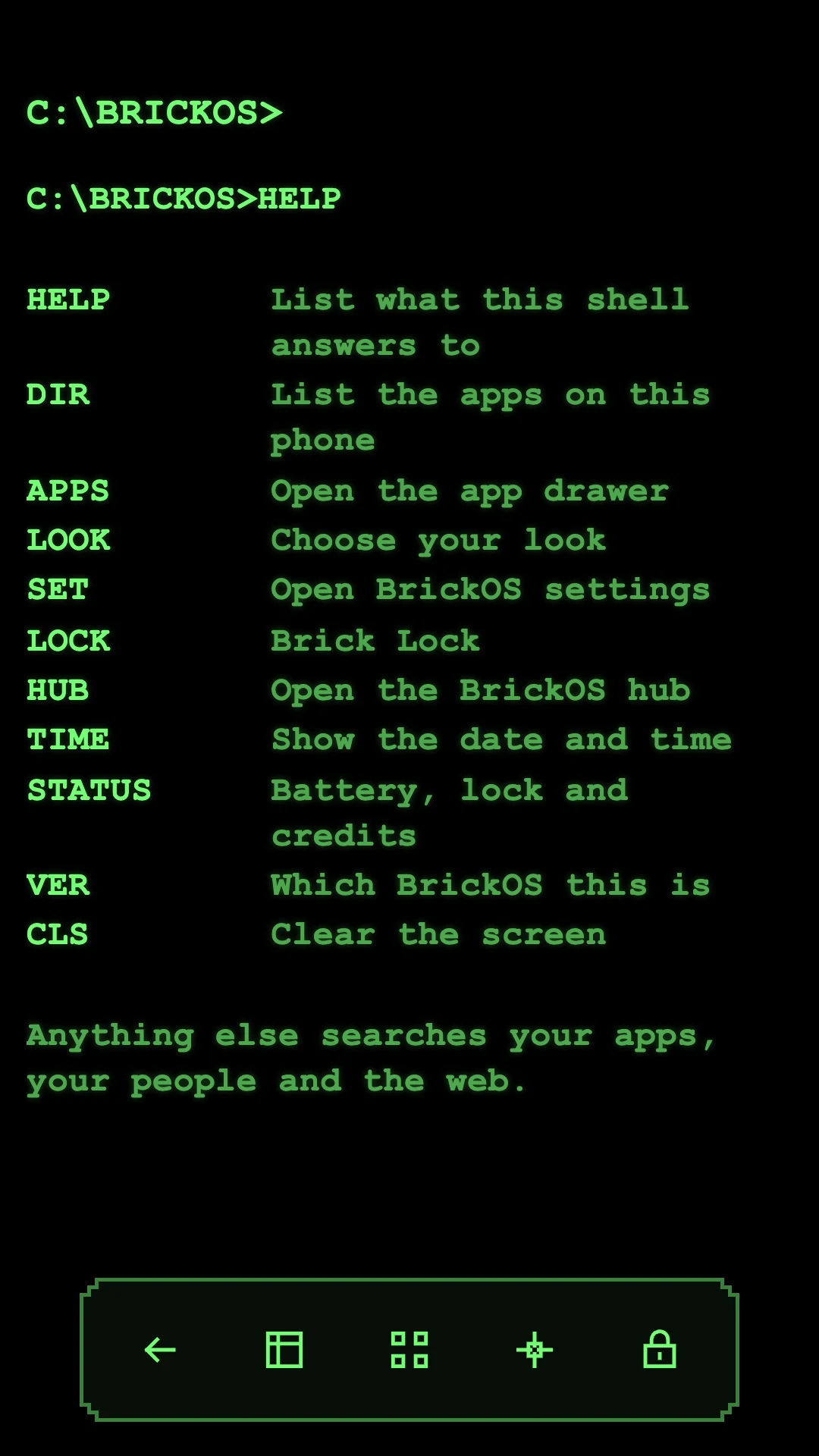
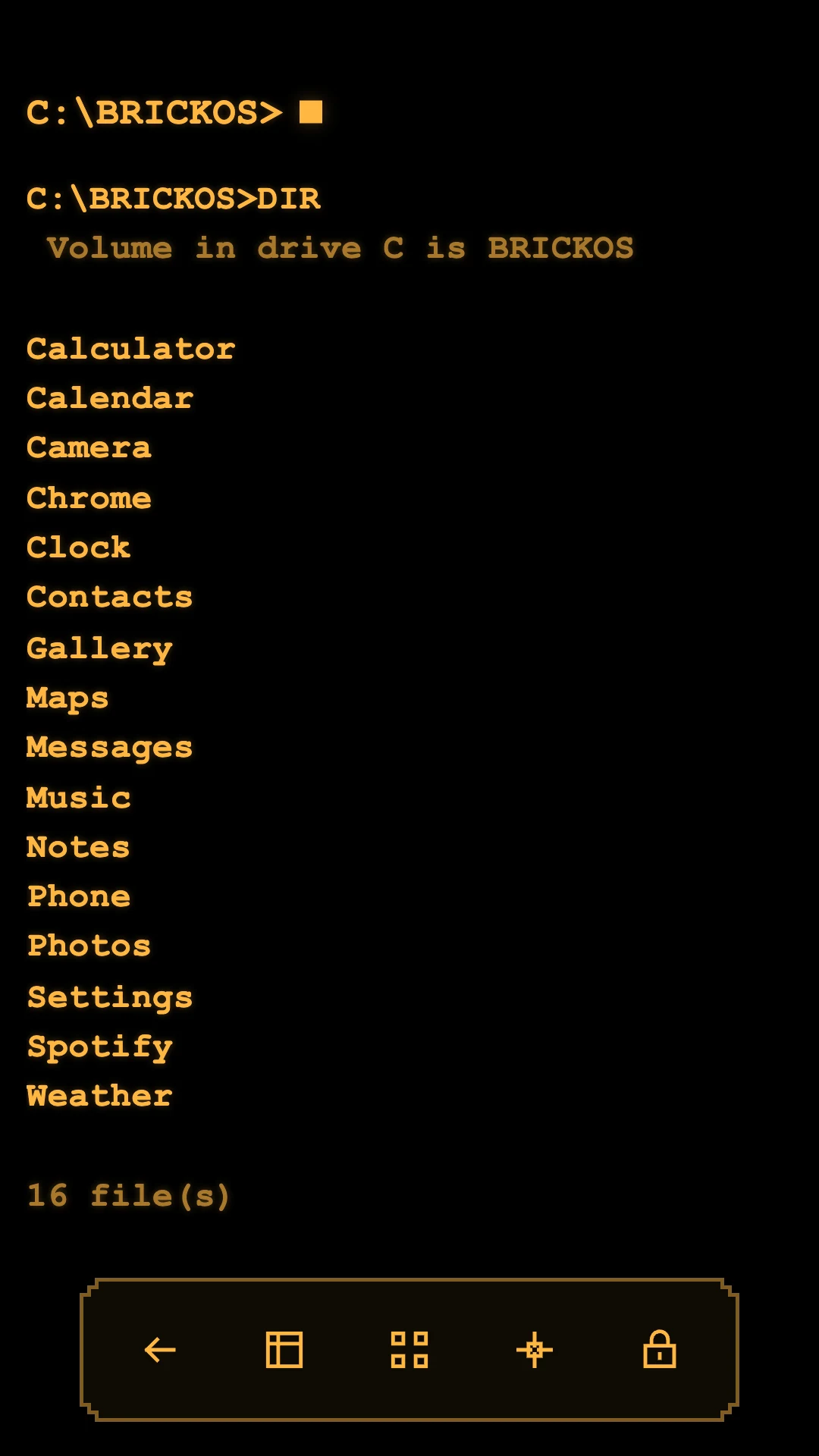
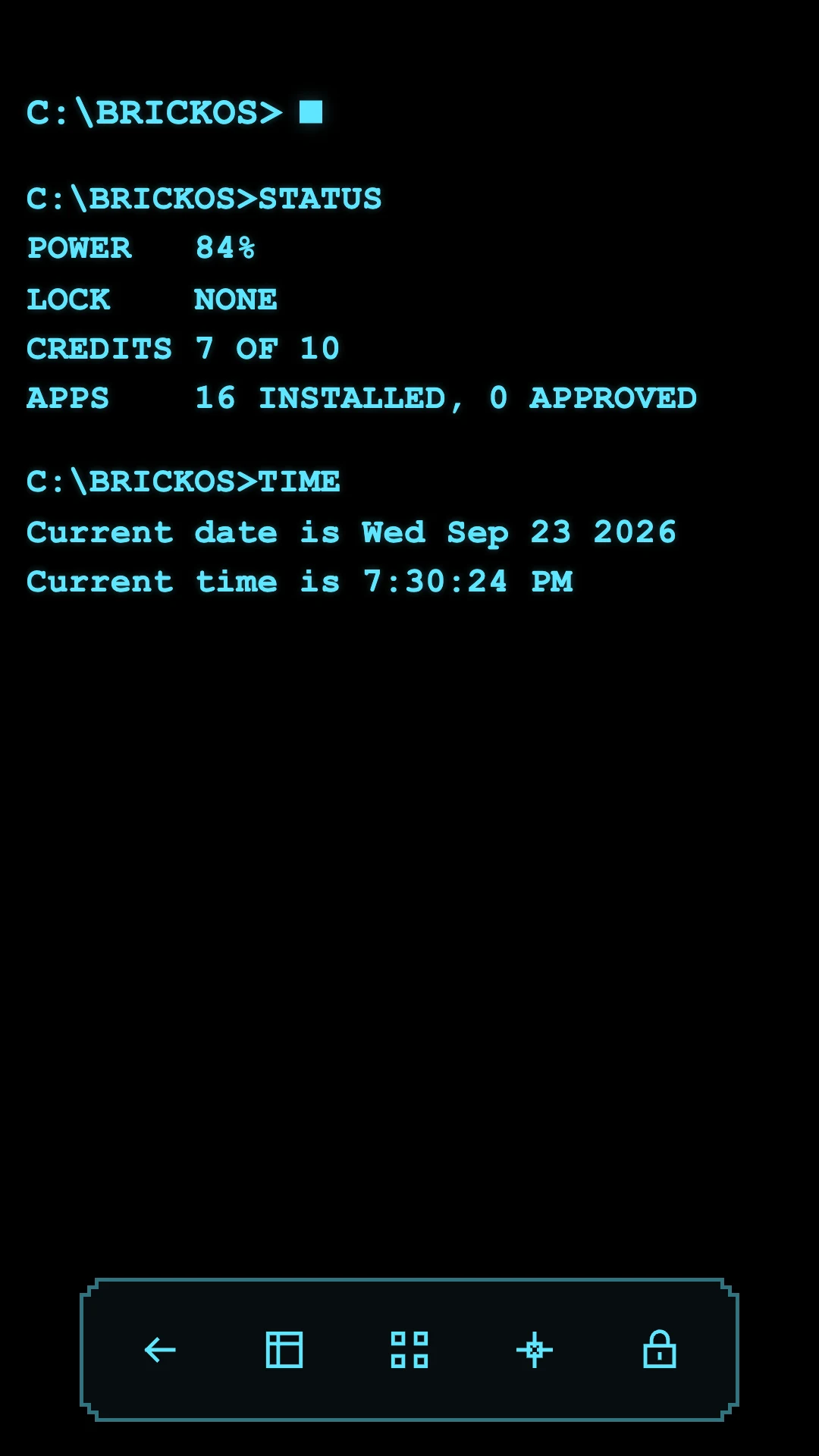
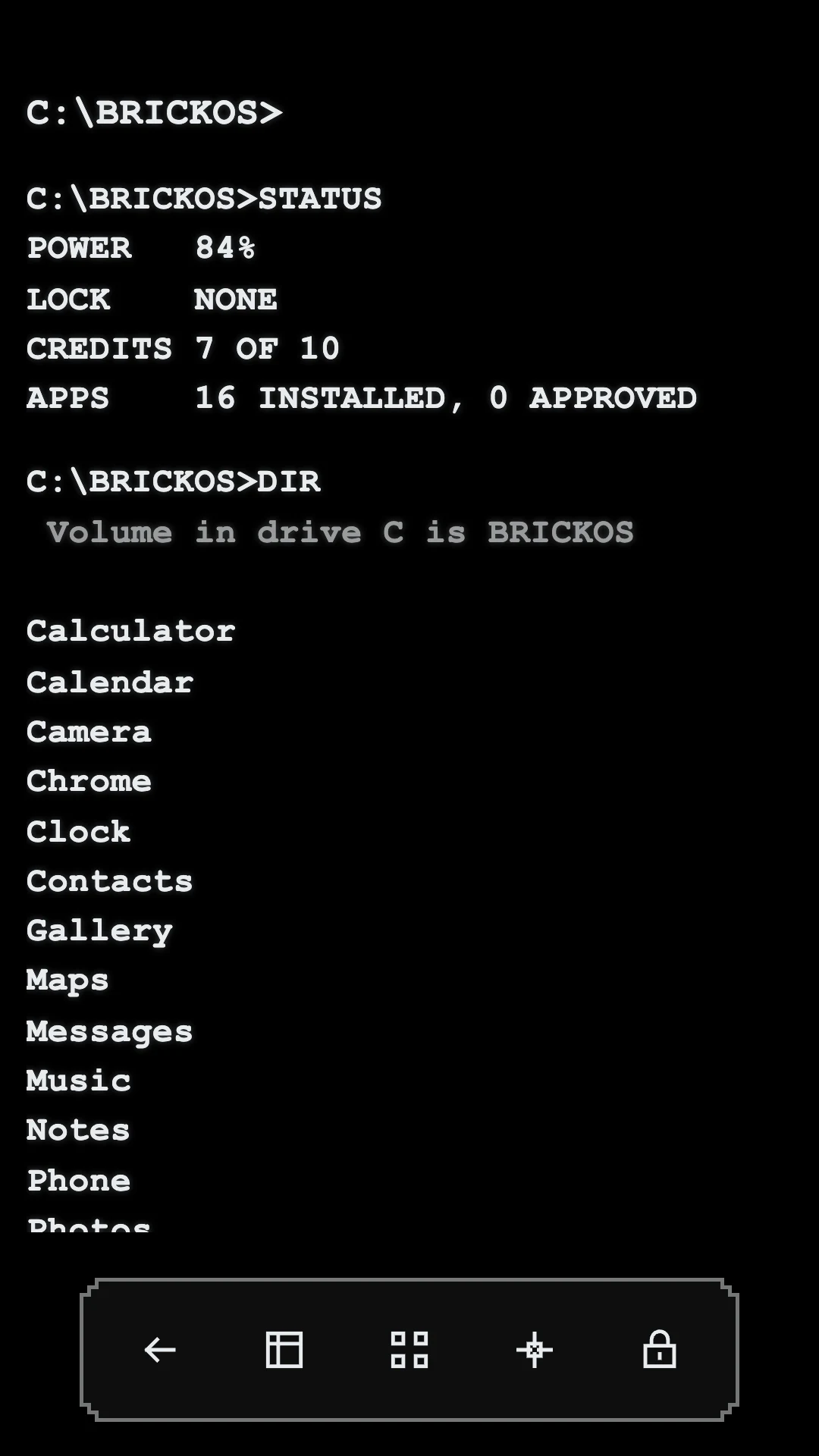
Command turns the home screen into a DOS-style prompt. There are no icons to scroll past and no feed to fall into, just a blinking caret. Type DIR to list your apps, LOCK to start a Brick Lock, STATUS for battery, lock and credits, or start typing a name and it finds the app, the contact, or a web search as you go.
Everything that matters still works the same way: the app drawer, Brick Lock, Lock Guard and settings are the shared BrickOS code, just drawn in one phosphor color with bracketed text and single-pixel rules. There may also be something at the prompt that HELP doesn't mention.
A grid of animated live tiles you can rearrange, with tiles for music, weather, calendar, photos and unread counts.
A click wheel you spin with your thumb, scrolling menus, and music controls. Unusually satisfying directness.
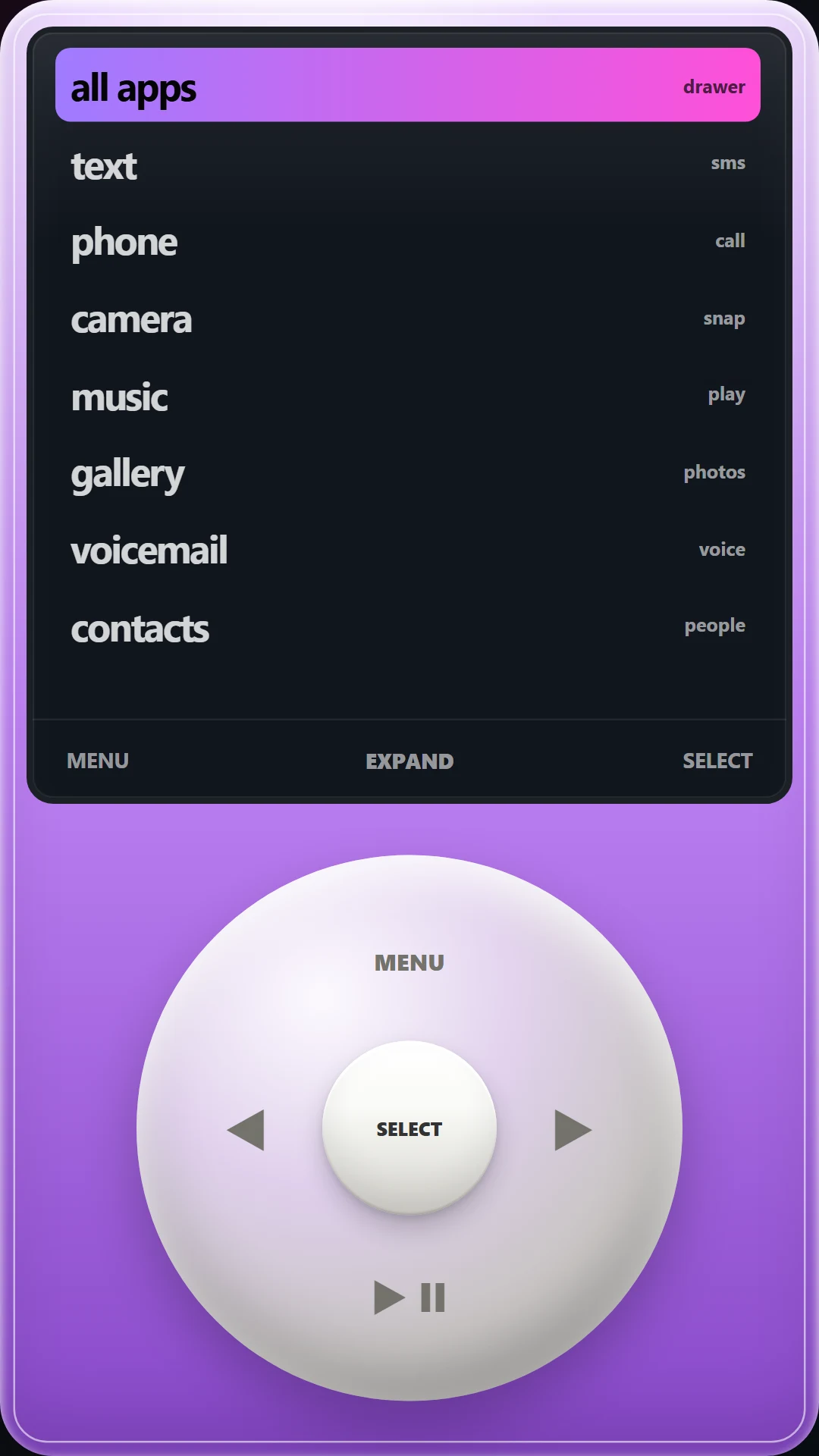
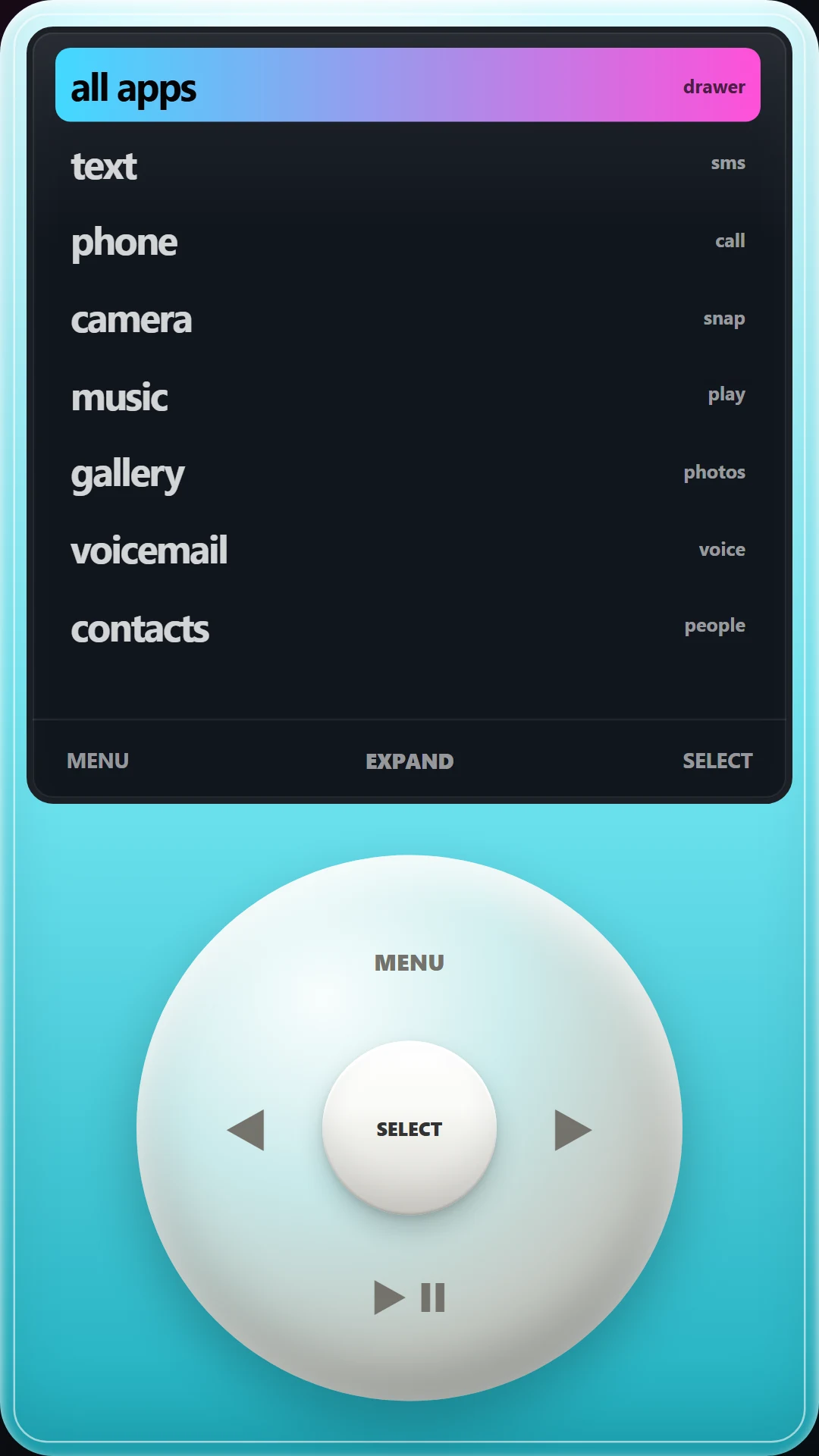
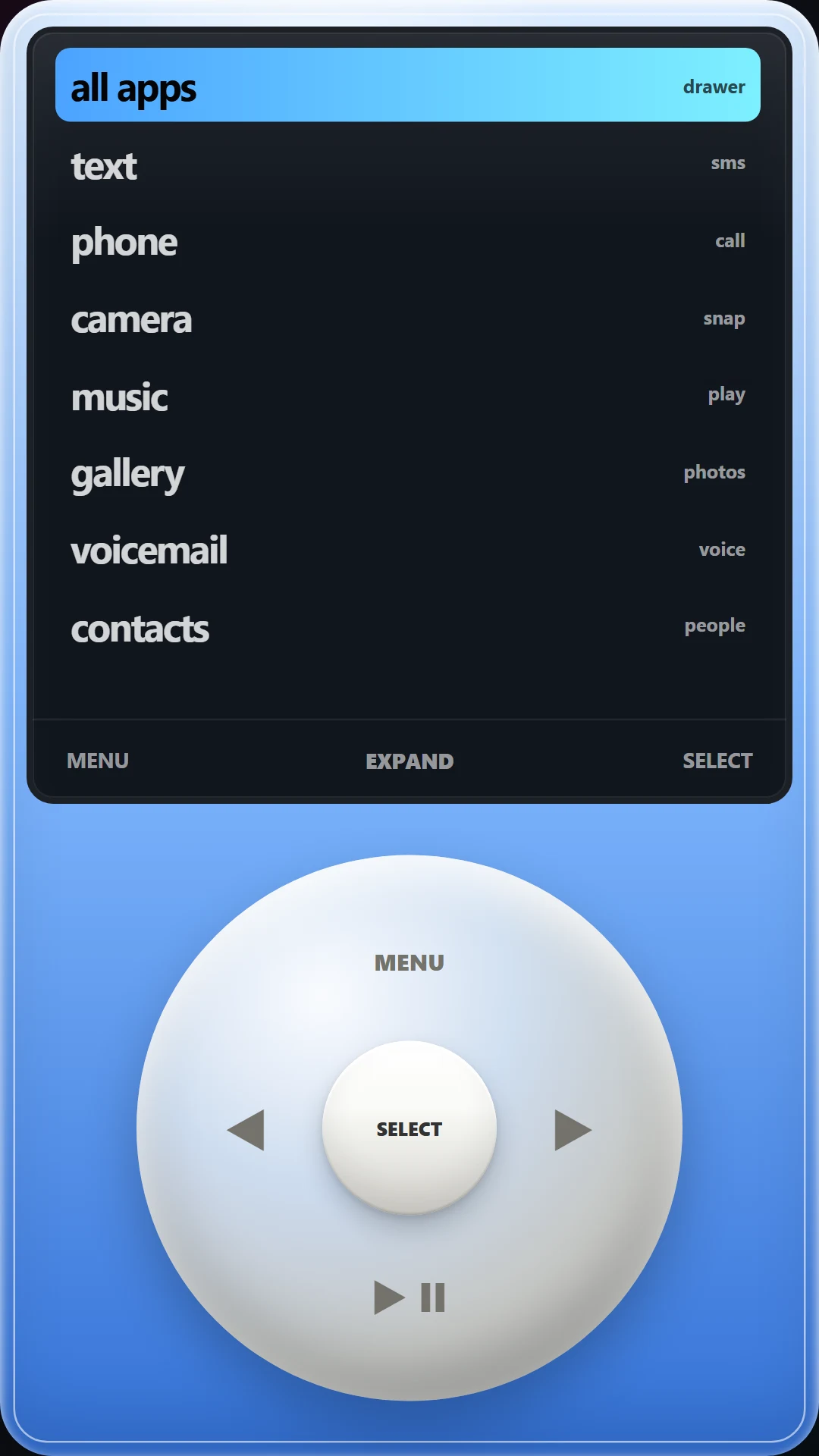
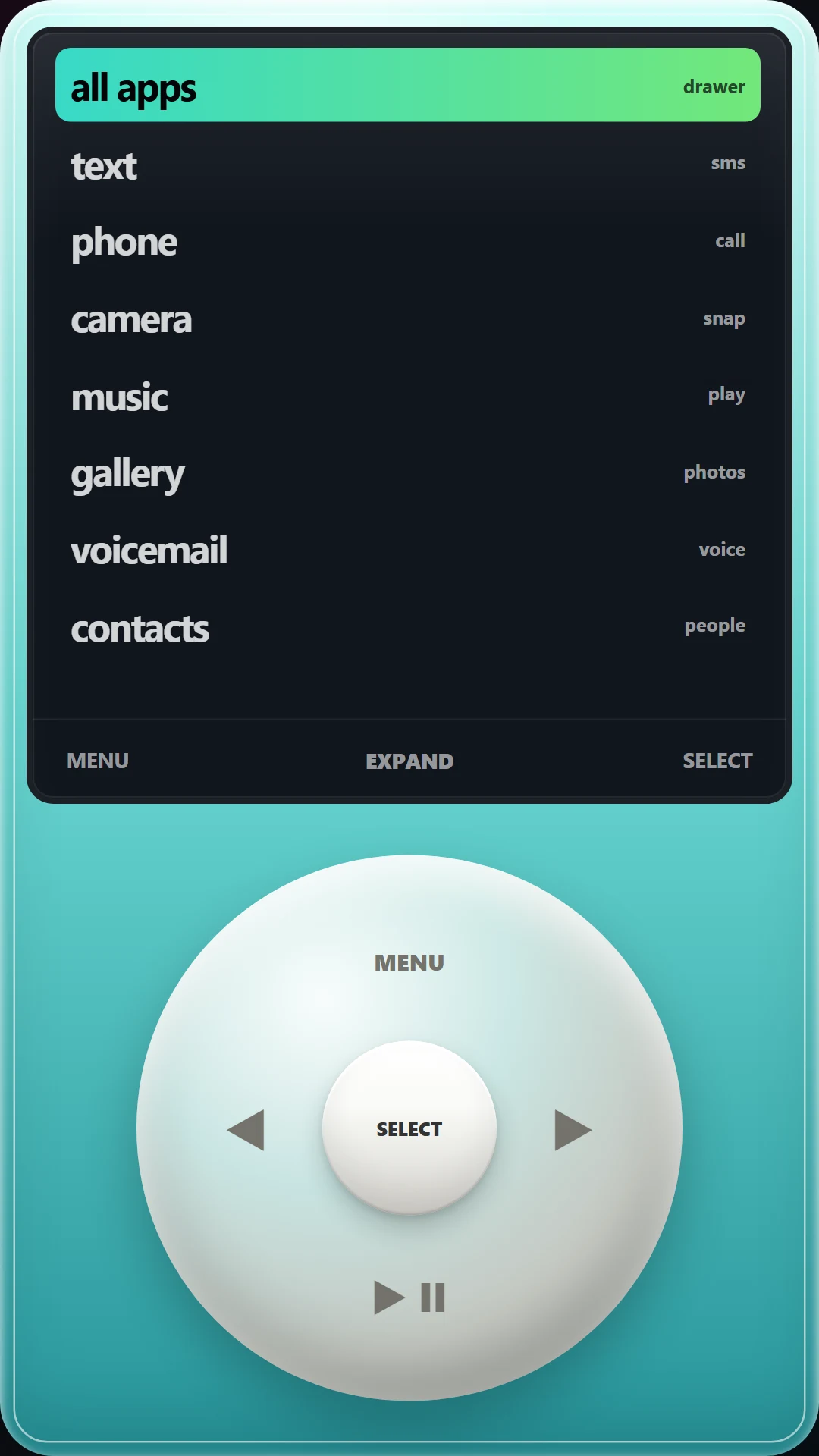
Oversized type, bold color, album art, and a directional pad built for muscle memory.
Free and optional
The free app uses credits for starting a Brick Lock or changing skins. Optional rewarded ads earn more credits. BrickOS Premium is a one-time purchase that removes ads and credit limits.
Privacy
BrickOS has no account and no studio analytics. Your chosen skin, credits, lock state, and approved-app list stay in the app's private storage. Google may process data for rewarded ads and Play purchases; the full policy explains exactly where that boundary sits.
The optional Android Accessibility service sees only the package name of the app that came to the foreground while a user-started lock is active. It cannot retrieve window content and does not read text, passwords, taps, messages, or forms.
The app-specific policy covers local storage, advertising identifiers, Google services, crash sharing, retention, and deletion.
BrickOS Privacy PolicyFAQ
The short version, before anyone is forced to excavate a settings screen.
BrickOS is free on Google Play for Android phones, with an optional one-time Premium upgrade.
Yes. BrickOS can become your Android home app. It combines a replacement home screen with an optional timed focus mode.
Yes. BrickOS opens the phone and messaging apps you choose; calls and notifications continue to be handled by Android and those apps.
Yes. Type out the unlock passage shown on screen: a small barrier that gives your self-control a chance to win. An emergency dialer is also available. Safety access never requires a credit, ad, or purchase.
No. You choose approved apps before a session. Essential tools remain available, and Lock Guard only redirects apps that are not approved while the lock is active.
The launcher, local settings, and Brick Lock logic work on the device. Rewarded ads, purchases, maps, streaming music, and other linked apps may require their own network access.
BrickOS uses responsive layouts and supports modern Android display changes. Exact behavior can vary by manufacturer; tell us through the support page if something looks wrong.
No. BrickOS is currently Android-only because iOS does not offer the same home-app and Lock Guard model.
Optional Lock Guard uses Android Accessibility only to learn which app came to the foreground during a lock and return to BrickOS when that app is not approved. It cannot read screen content.
No. It does not request SMS, call-log, camera, or microphone permission and does not read message content. It can ask for Contacts, so search can find people, and Notifications, so a running lock can show its status. Both are optional and BrickOS works without either.
Starting a lock or changing skins costs one credit in the free version. A rewarded ad you choose to watch earns more, and if you run out, BrickOS hands you one back the next day. Premium removes ads and credits entirely.
Use the support page or the contact form. Include the app version, Android version, device model, and the steps that caused the problem.
Make the phone useful.
Then put it down.